
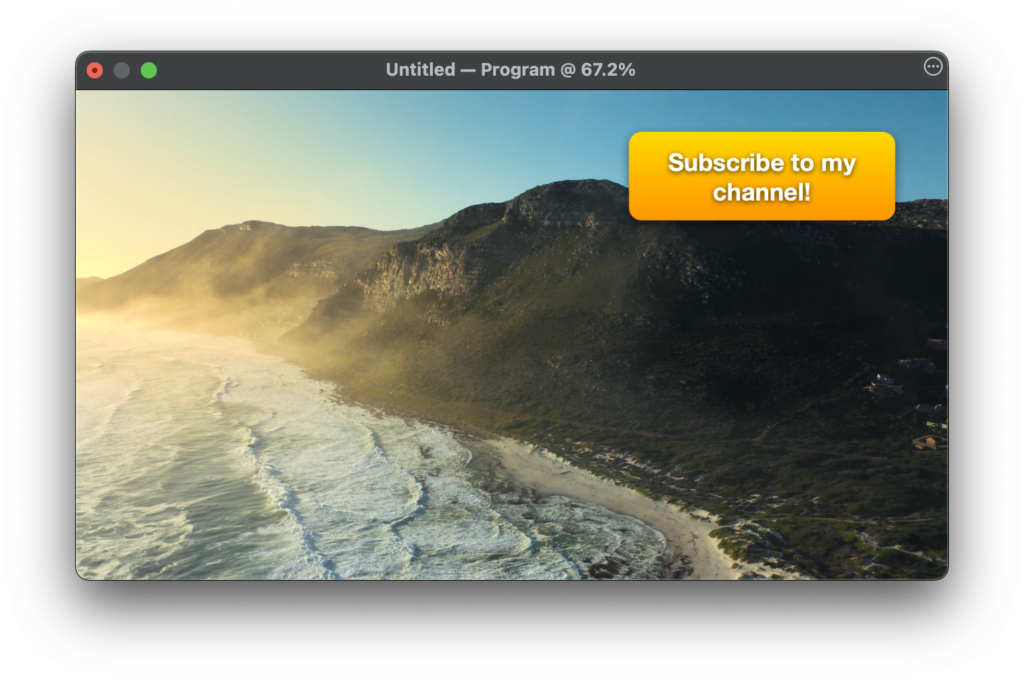
The Annotation layer in mimoLive is a powerful tool that allows you to draw and write on top of your live video in real-time. This layer provides a variety of annotation tools, such as text boxes, enabling you to highlight specific areas or add notes and call to actions to your live stream. With the ability to customize the colors and sizes of the annotations, the Annotation layer is an excellent way to enhance the interactivity of your live stream and engage your audience.
Text
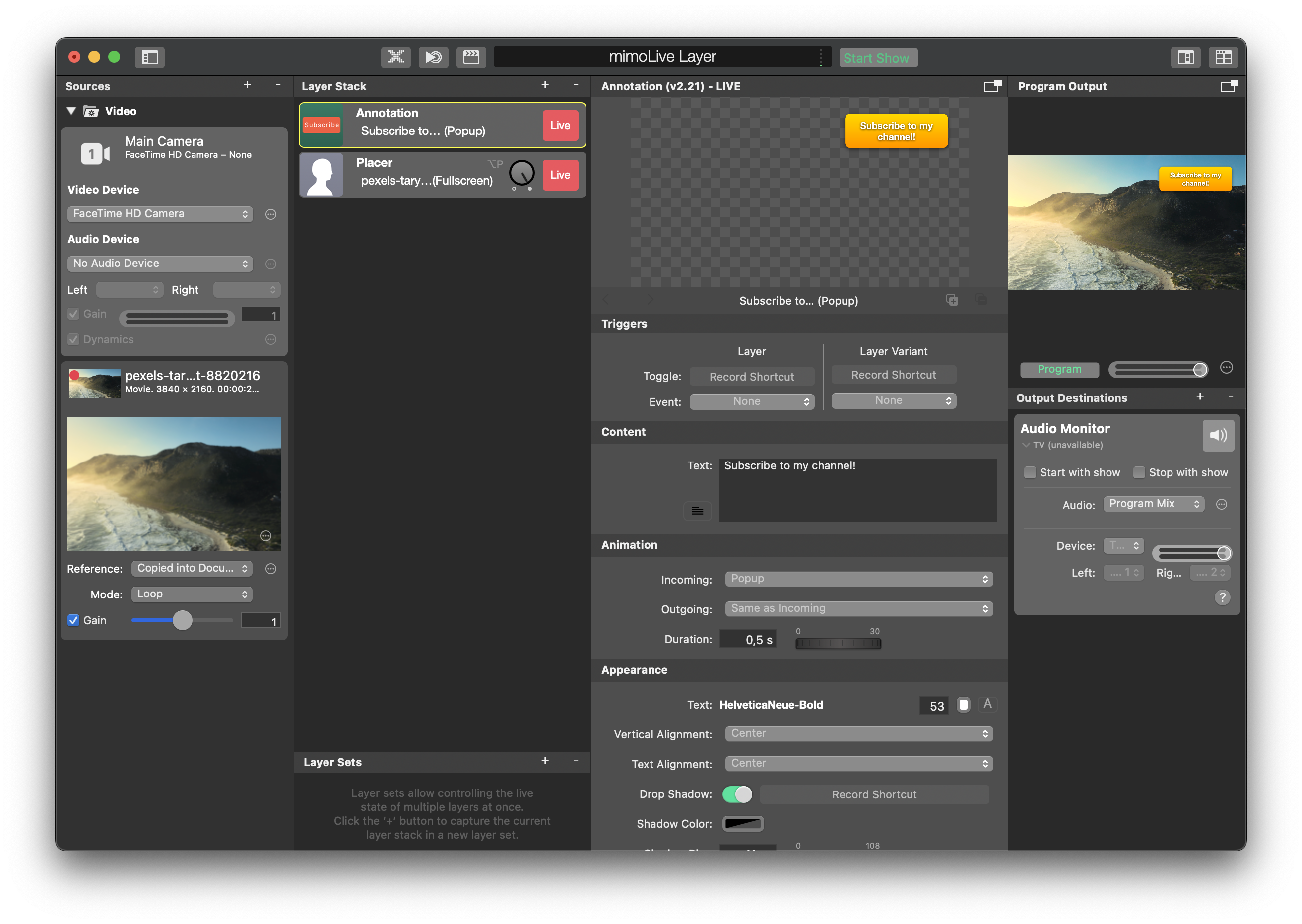
In the text filed you can enter the Text that should appear on the Annotation box.
On Screen Button (Trigger HTTP)
Enable On Screen Button to make the Annotation layer act as a clickable/tappable button. When the user clicks inside the configured button area, mimoLive triggers the HTTP request specified in Trigger HTTP URL.
Trigger HTTP URL
Paste a full HTTP URL here that should be triggered once the user clicks on it on the Program Output view. A quick way to obtain a URL that will control a layer in mimoLive is to right-click a layer’s Live button or a parameter and use the “Copy URL …” menu items, then paste the result here.
Animation
The annotation box can be presented in many different ways (cut, dissolve, push). You can specify the incoming transition and an independent outgoing transition. The Duration parameter let you define how log it will take for the Annotation box to appear.