
Sometimes it is helpful for us to know exactly what Mac you’re using, what devices are attached to it and what drivers and other software is installed to better understand your issue report.
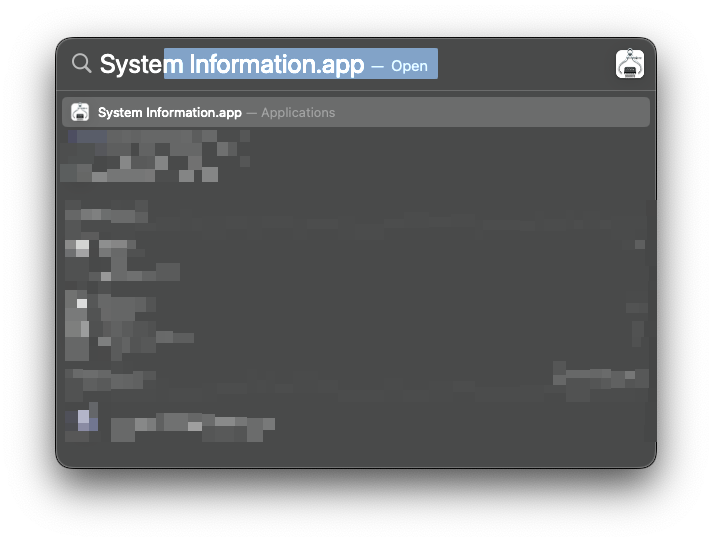
To do this, we can use the System Information.app which is found in the Applications -> Utilities folder or can be launched typing Command-Space and then entering “System Information.app”:
The System Report is generated and opens in a new window.
Go to File -> Save…:
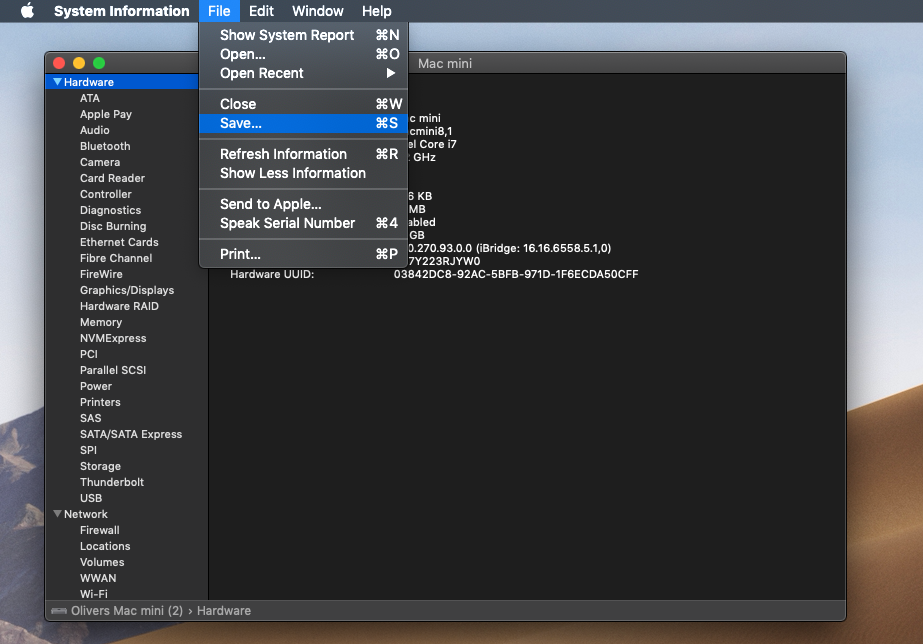
Save the Report to your local disk (e.g. the Desktop) and send it to us by email.
Thank you very much for your cooperation.