
How We Pulled It Off From 5,900 miles (9,500 km) Away.
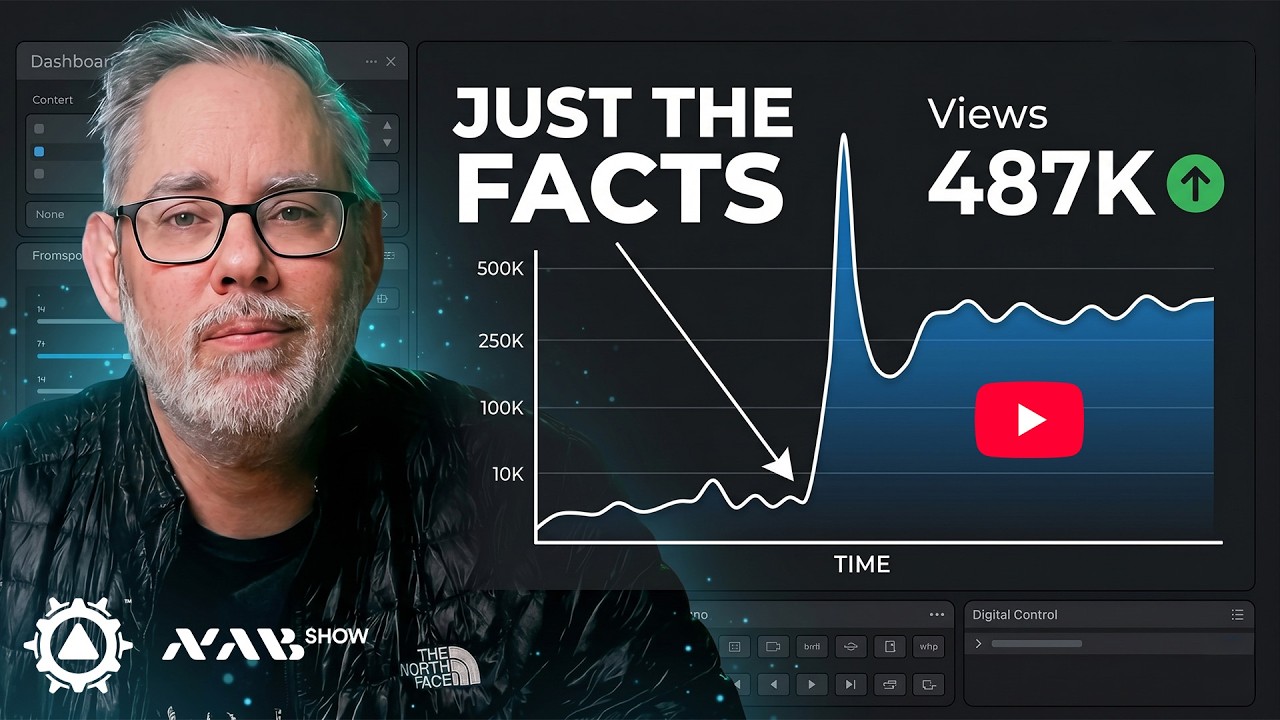
NAB 2026 Creator Lab Workshops streamed live and uploaded to YouTube before dinner.
For years I have been looking for a way to be more involved with real content production at NAB and use that to show people what mimoLive actually does. I envisioned a setup with both an in-front-of-the-camera and a behind-the-camera, where people could watch both and see how the production came together.
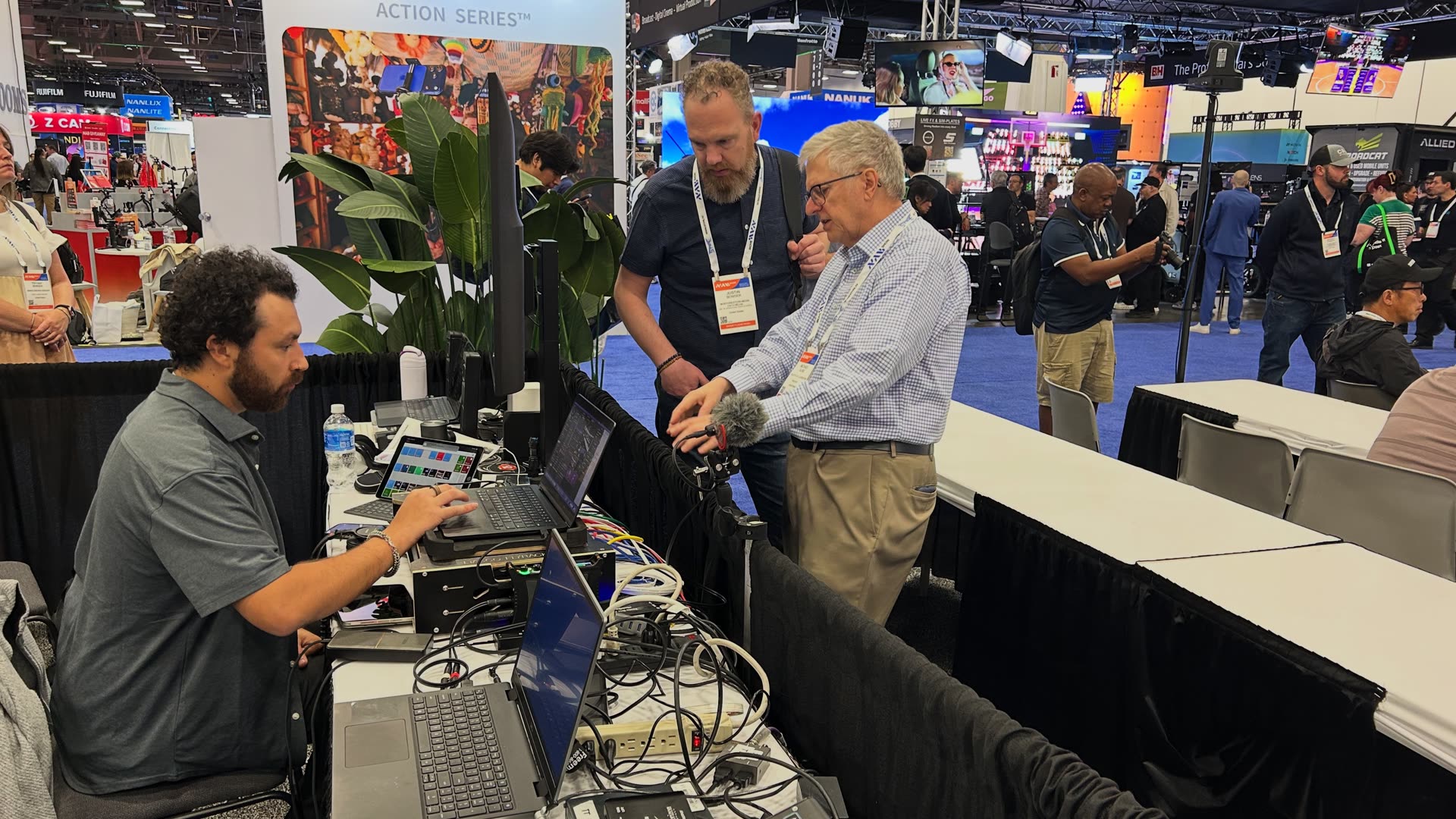
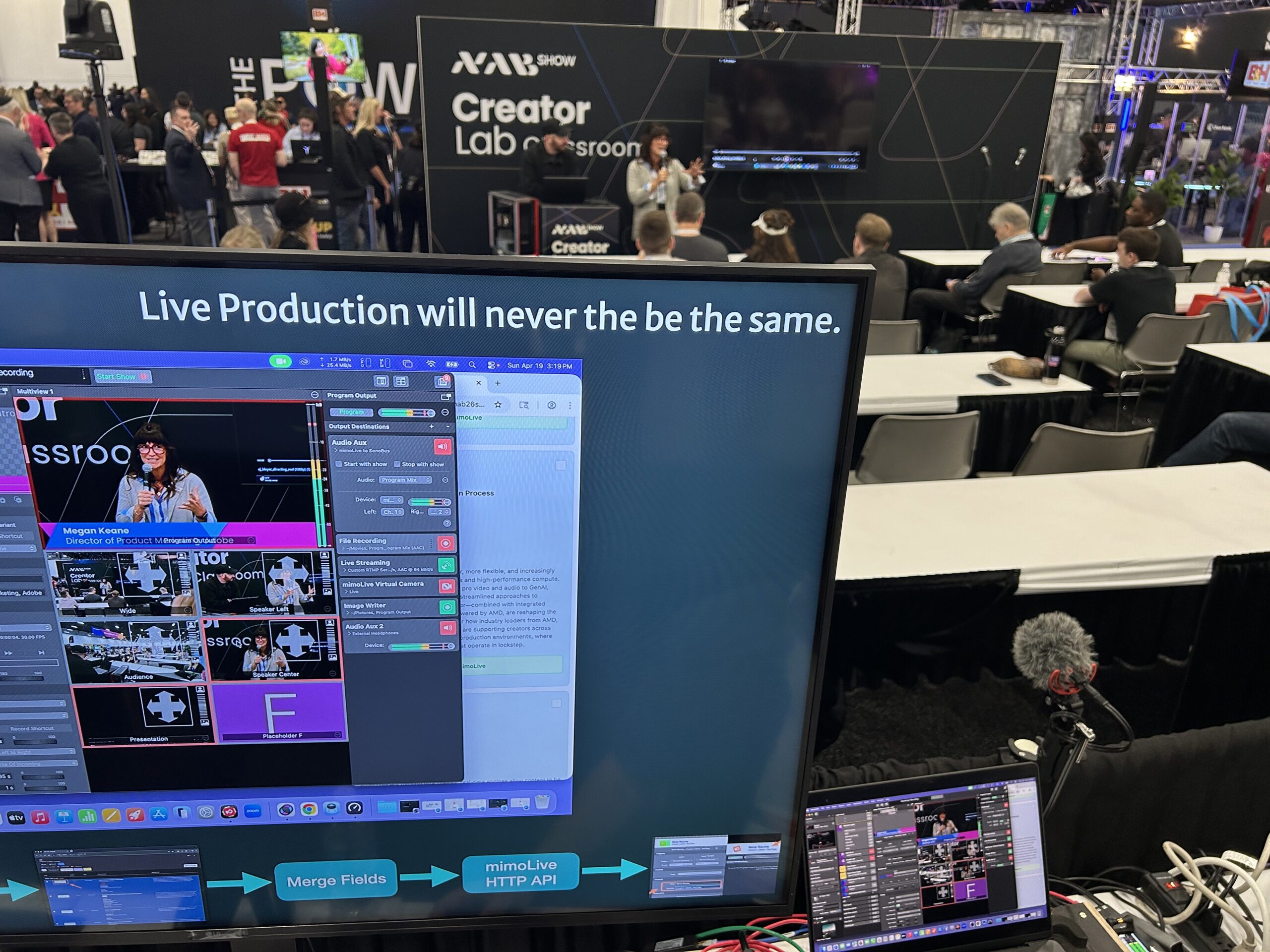
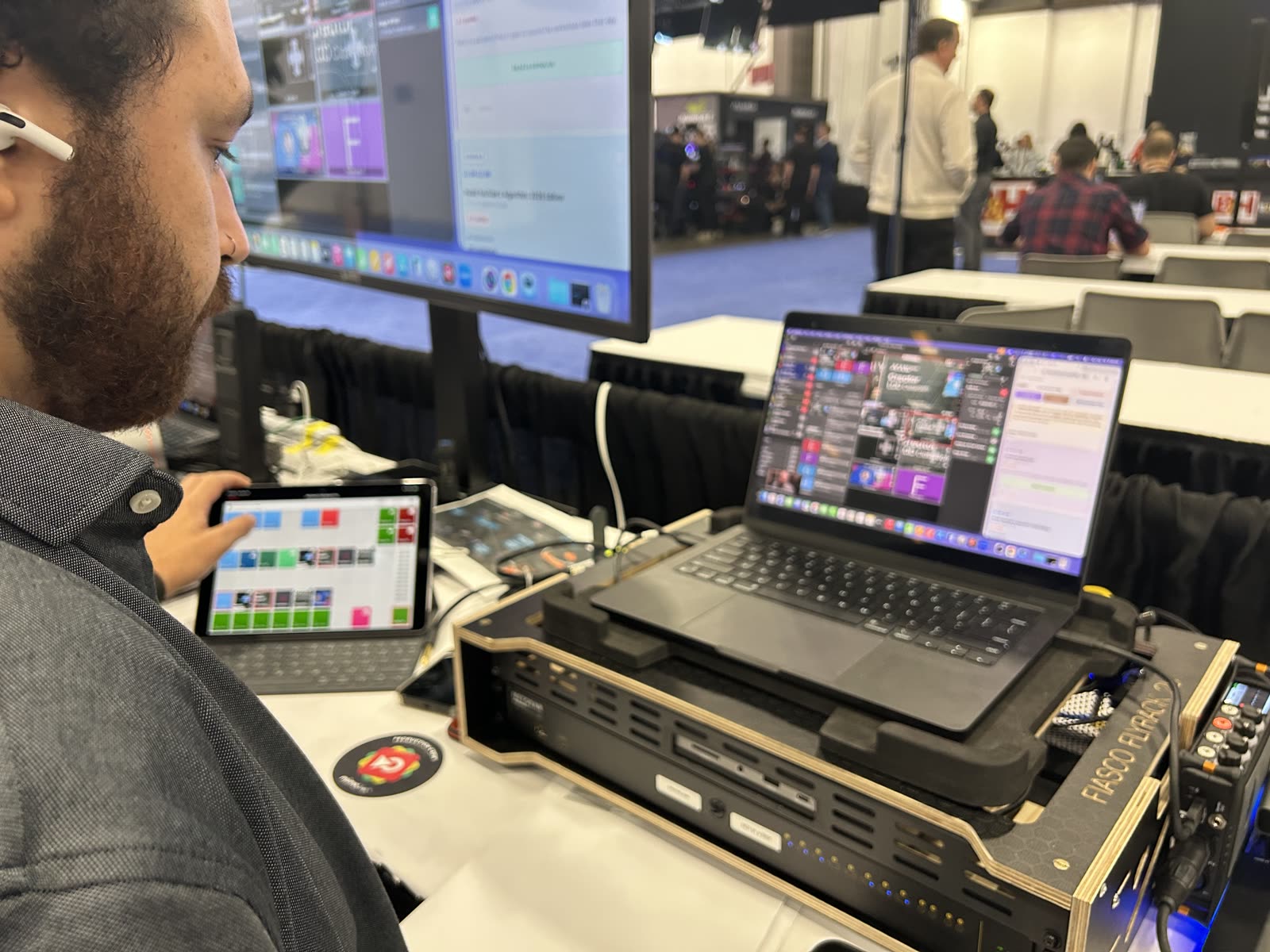
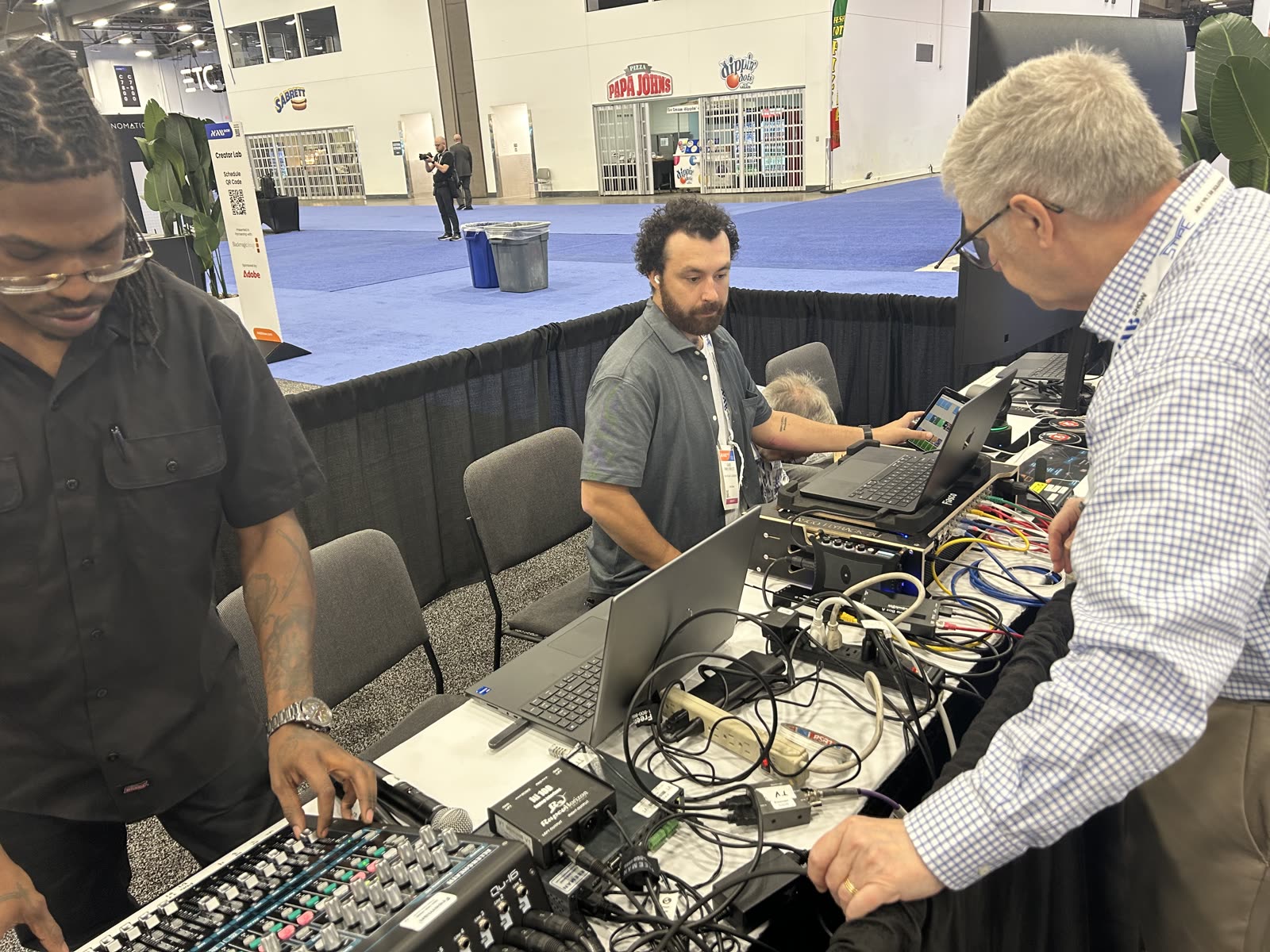
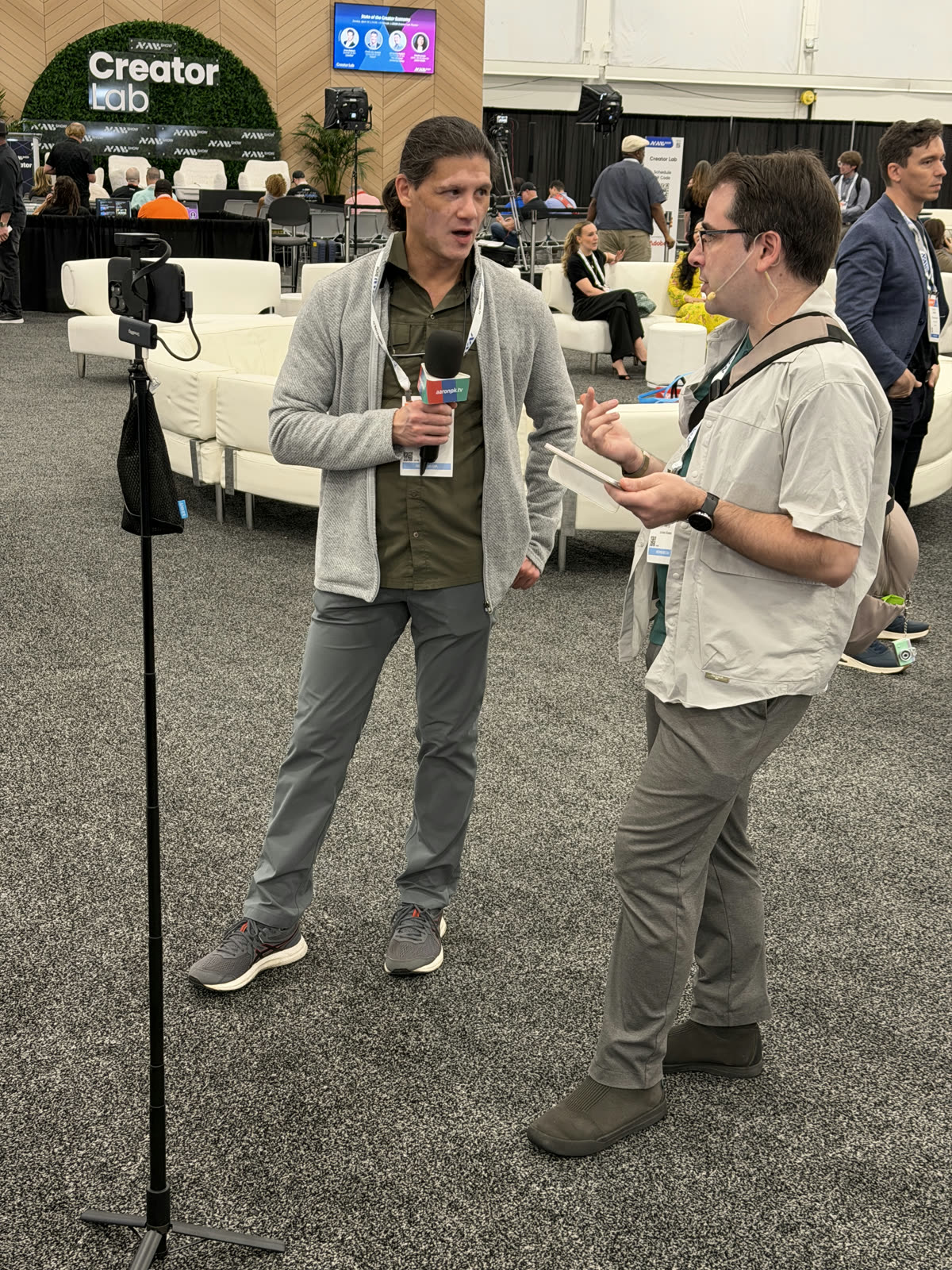
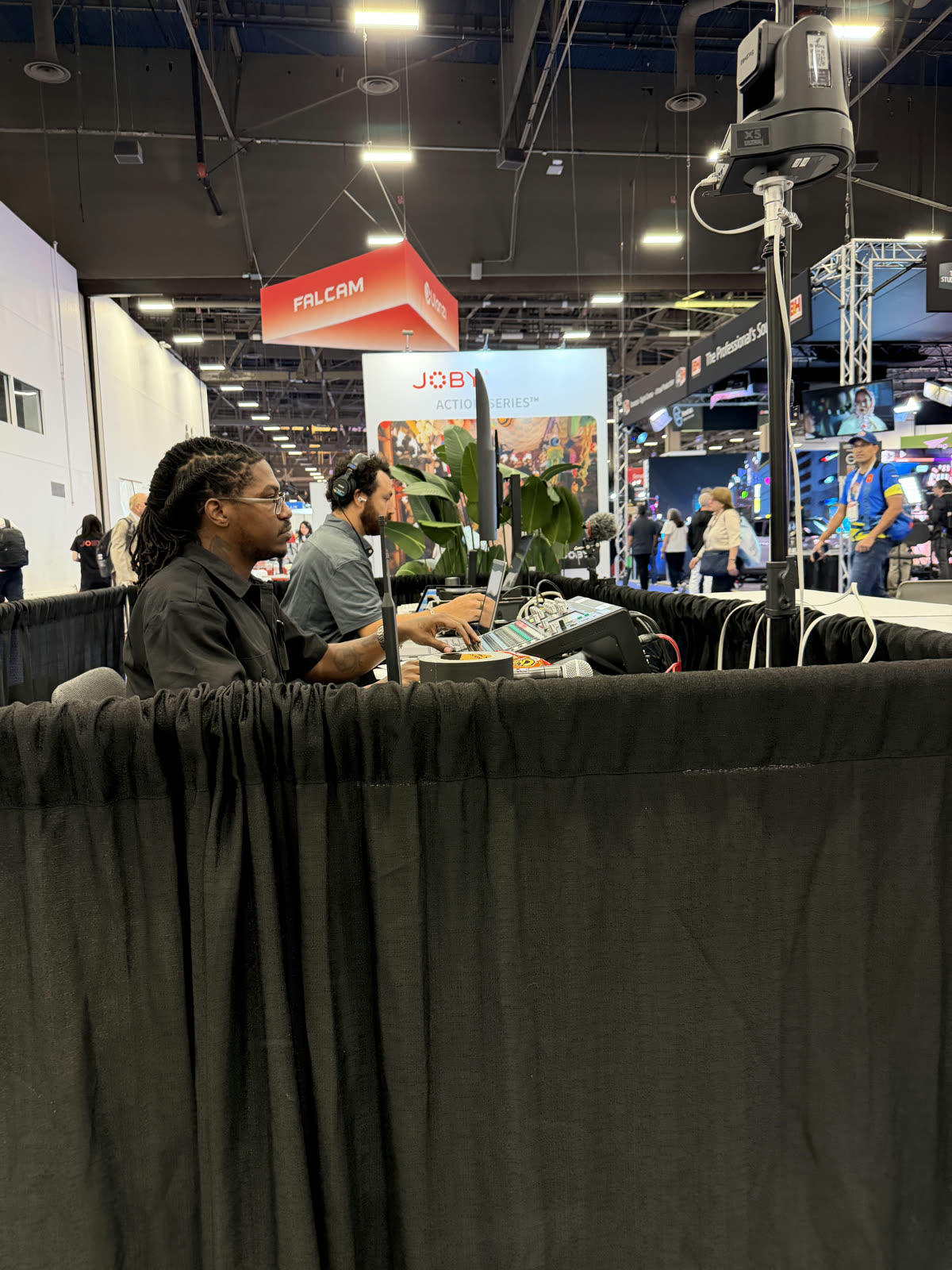
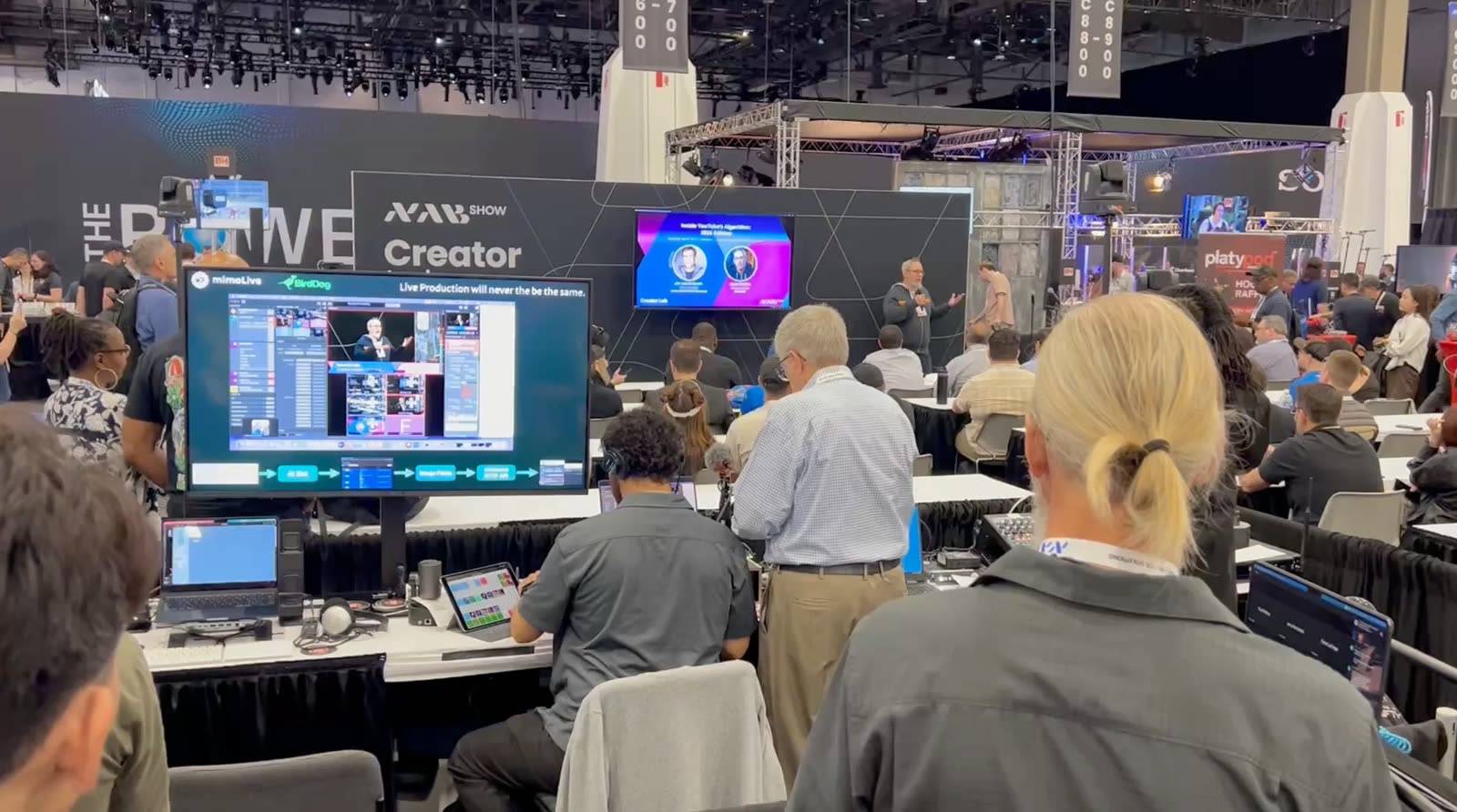
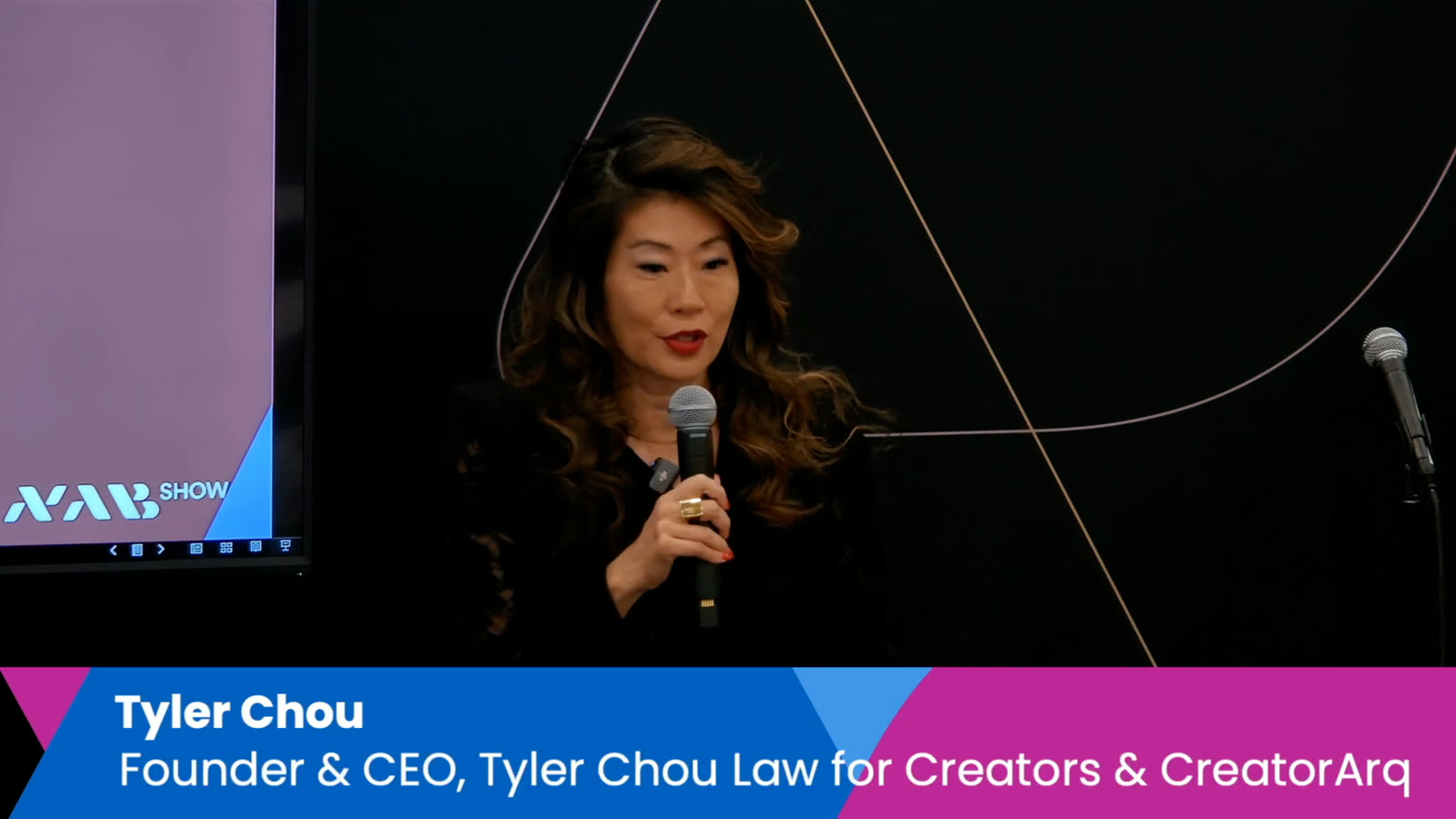
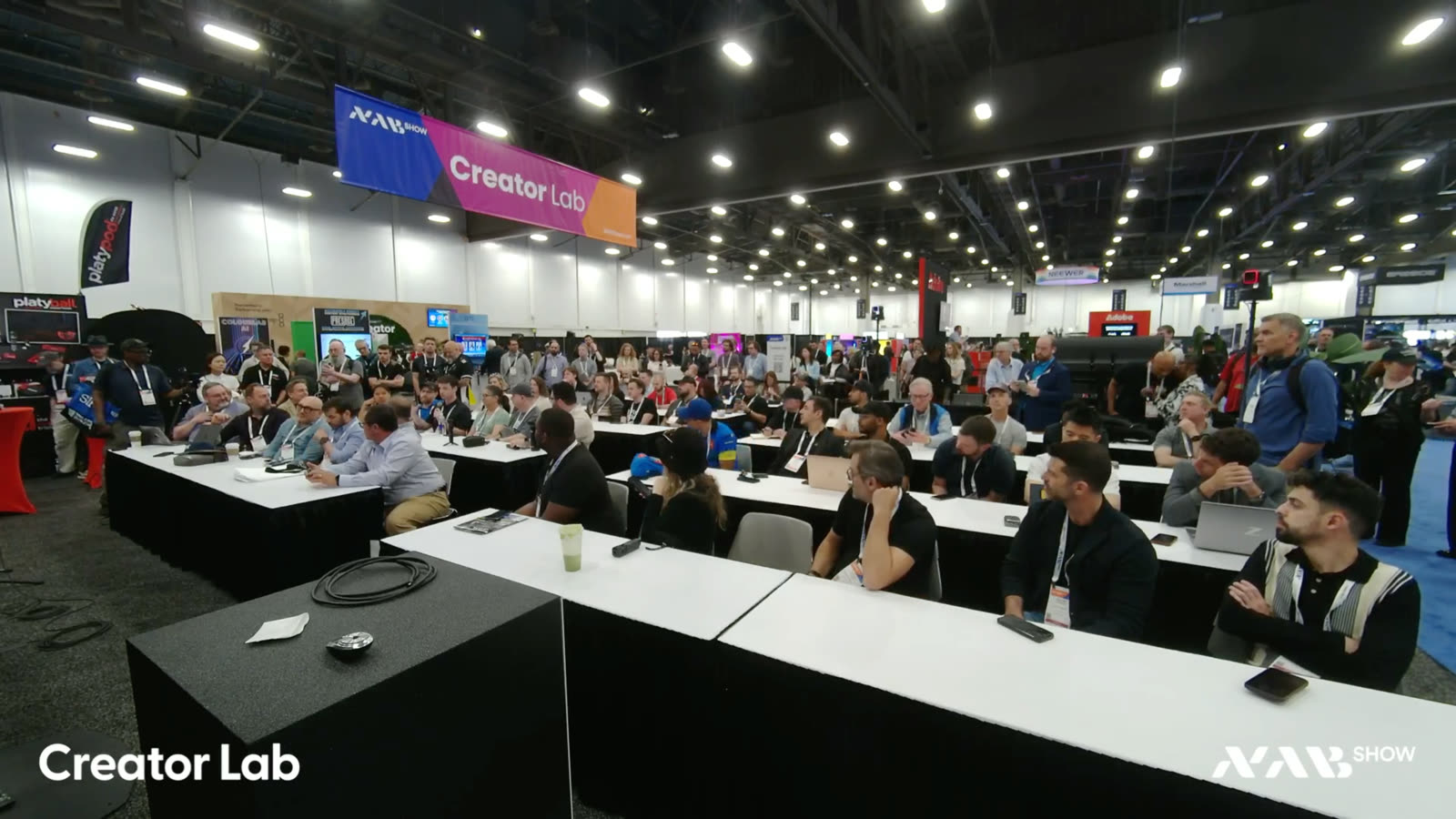
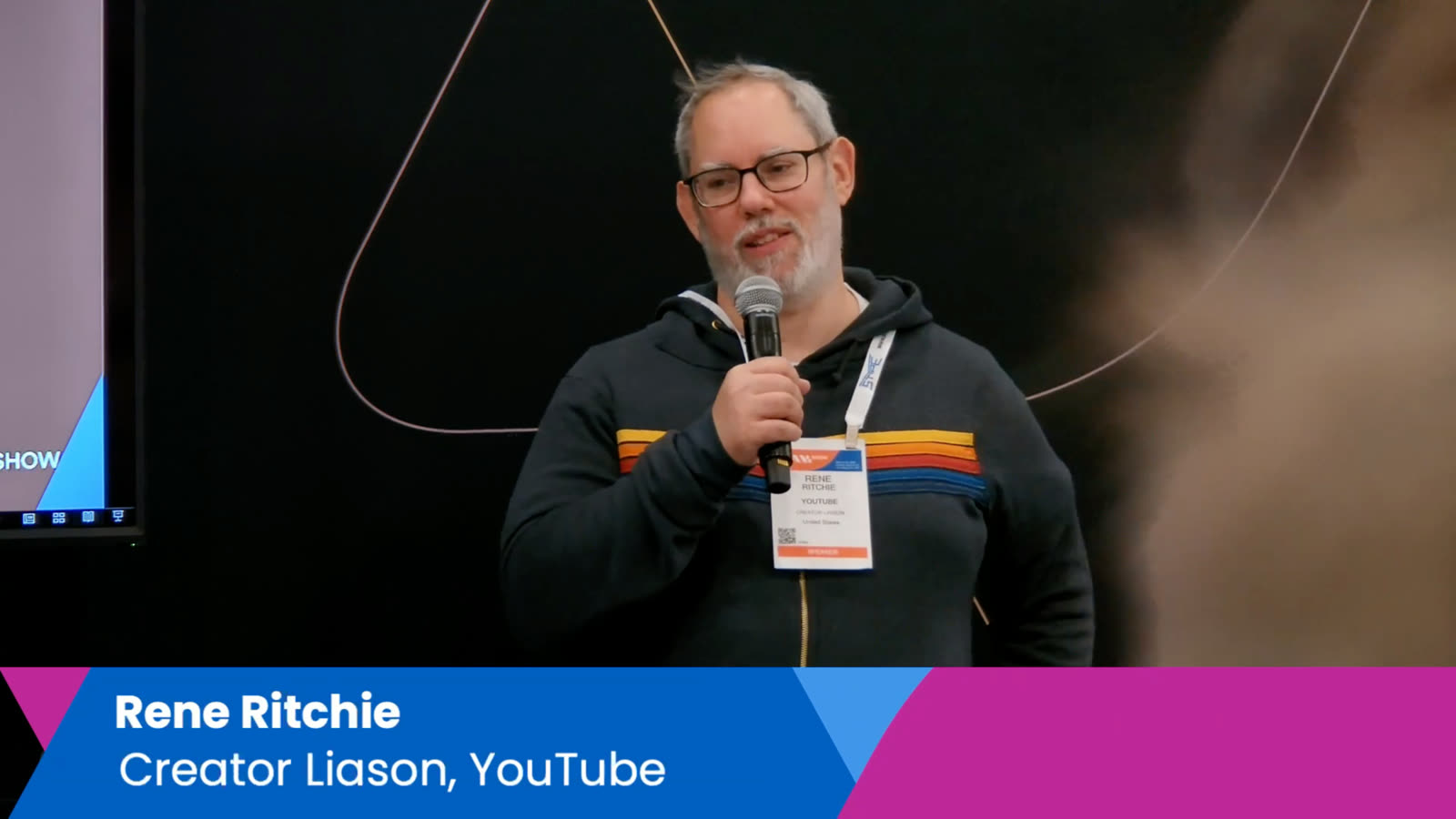
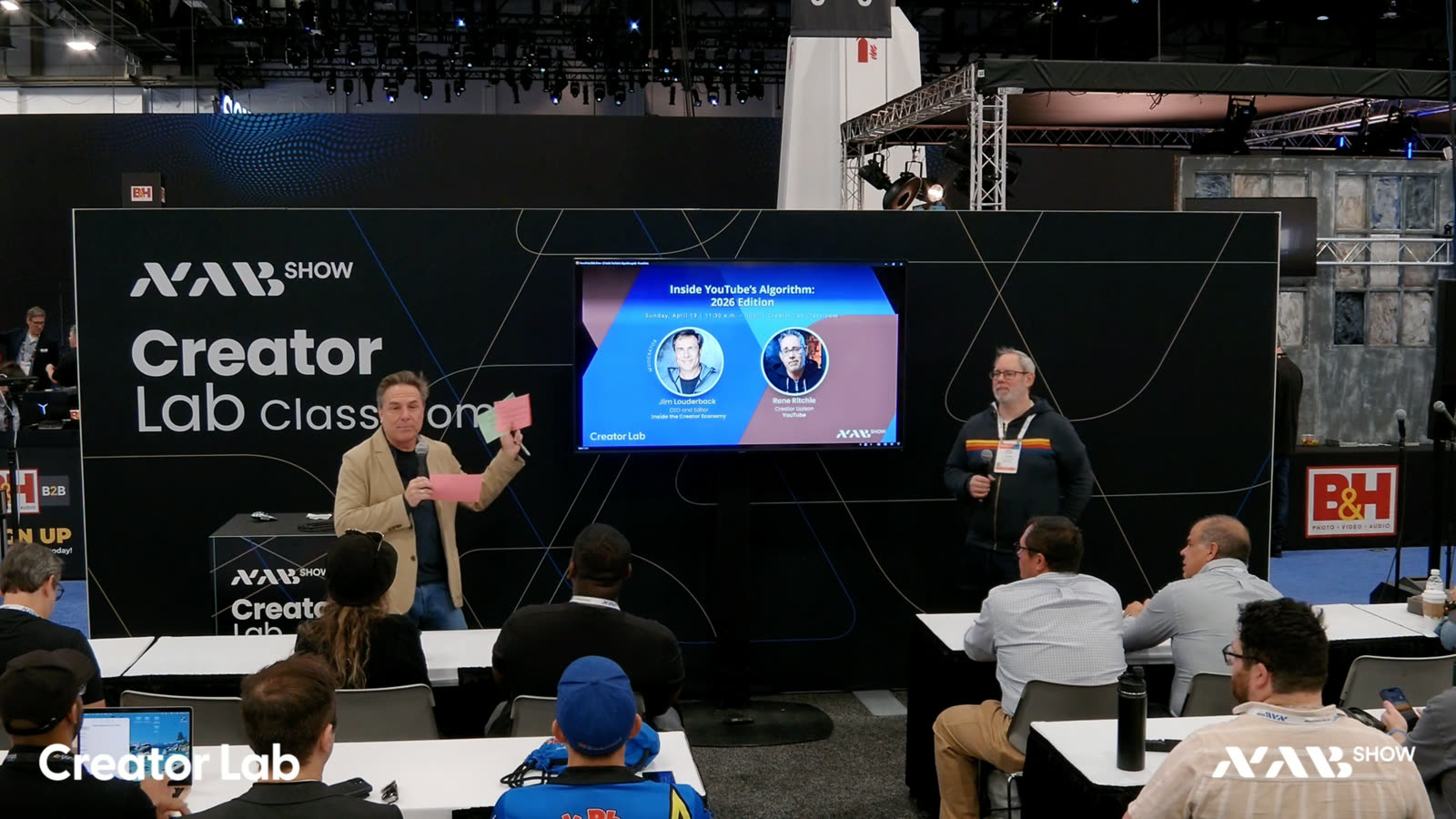
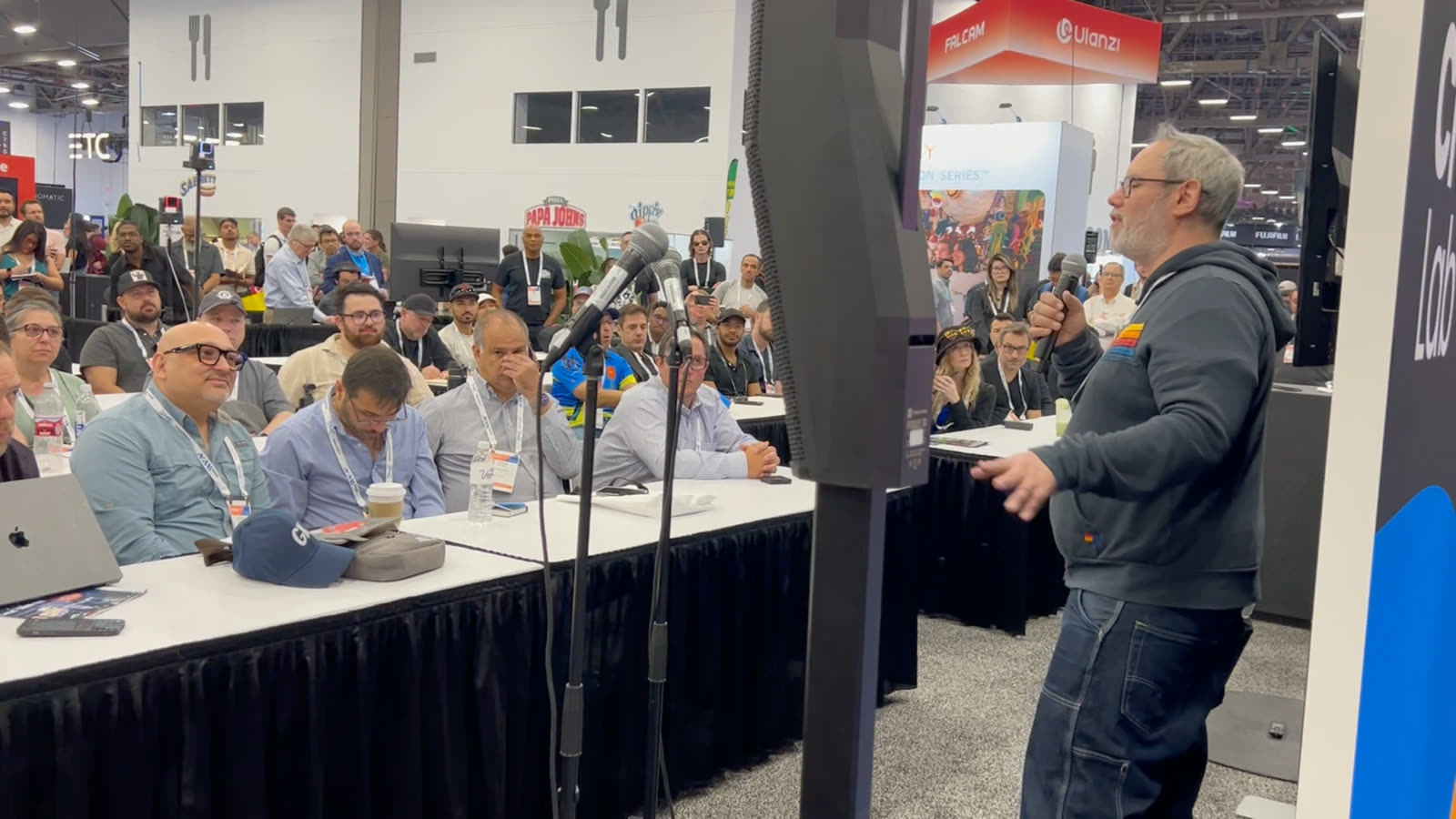
This year, the opportunity presented itself in the form of the Creator Lab, where NAB was looking for a partner to produce the recordings in the Workshop space. Unlike the typical setup where the production team is tucked away unseen at the back of the hall, we were right in the middle of the space where people could look over our shoulders, see what we were doing, and ask questions.
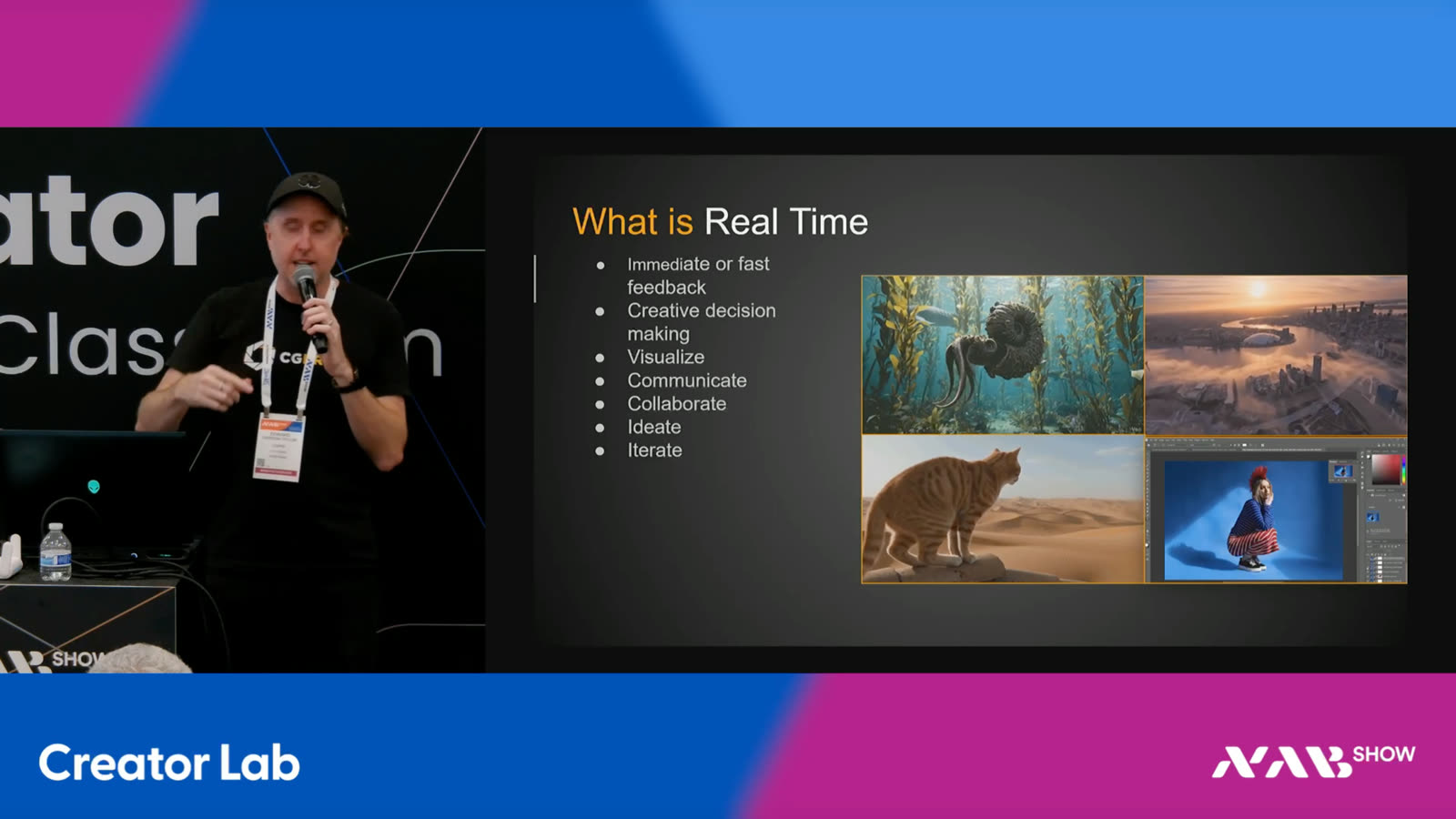
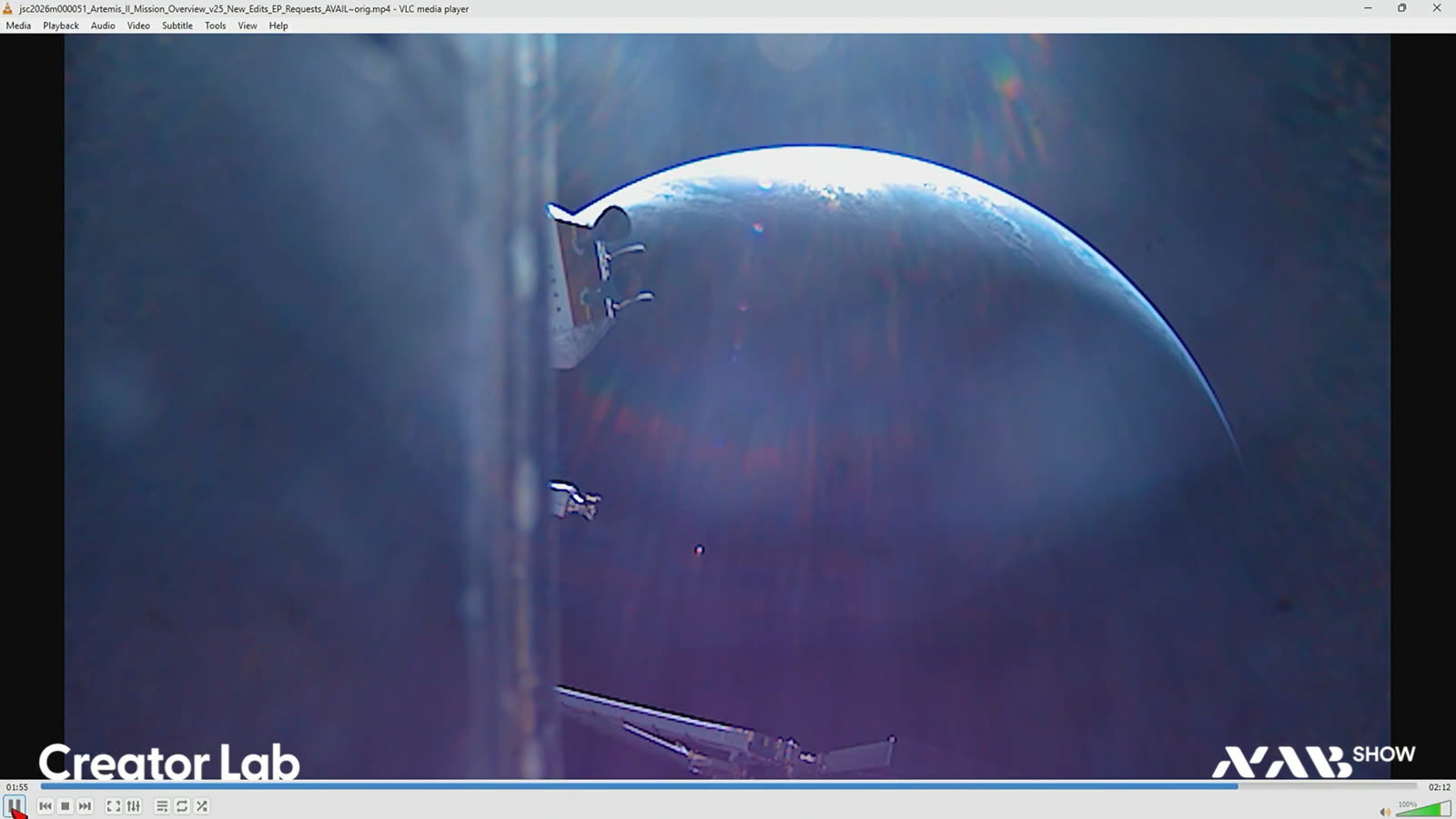
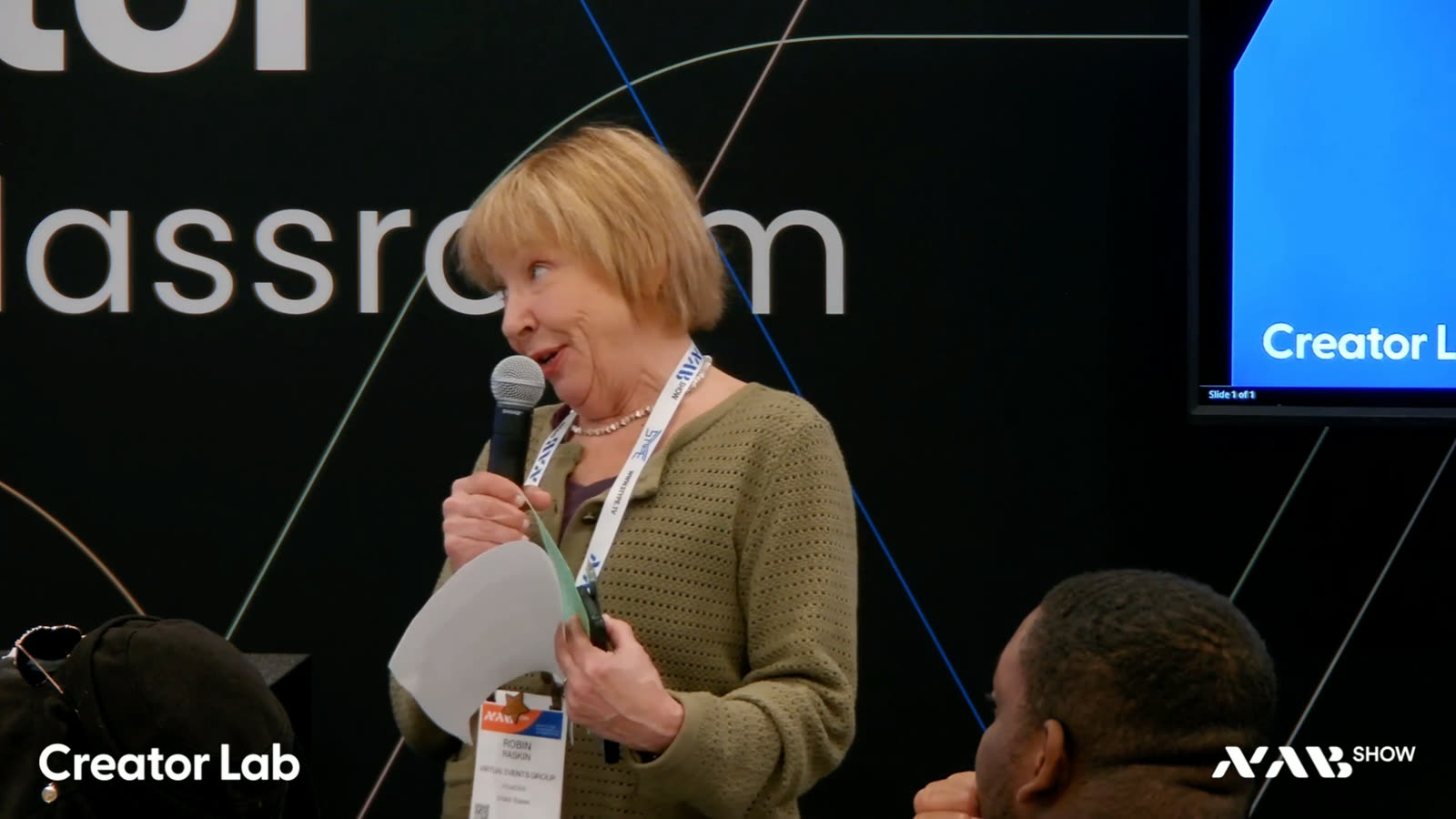
The sessions themselves were workshops by creators for creators. Thanks to the awesome mimoLive team spread across two continents — Las Vegas, Seattle, Norway, and Austria — the live stream went into the officehours.global After Hours Zoom meeting and to our website. The recordings were posted the same day to the YouTube channel and delivered to NAB.
If you didn’t have a chance to witness the production in Las Vegas, here’s how we pulled it off.
Enjoy, Oliver.
The Setup Unpacked.
mimoLive
NDI-In-A-Box
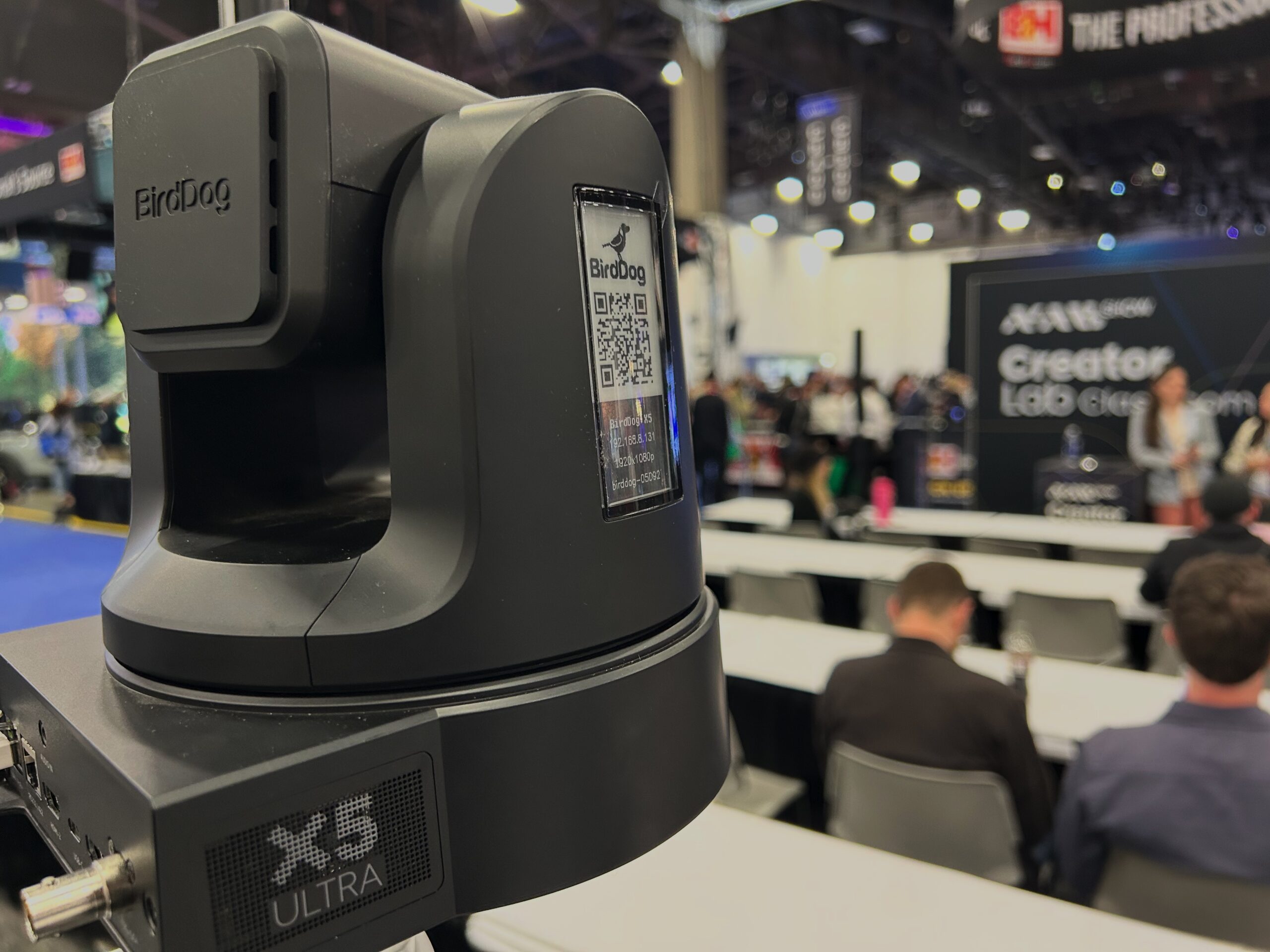
3× BirdDog X5 Ultra
OBSBOT Tail 2
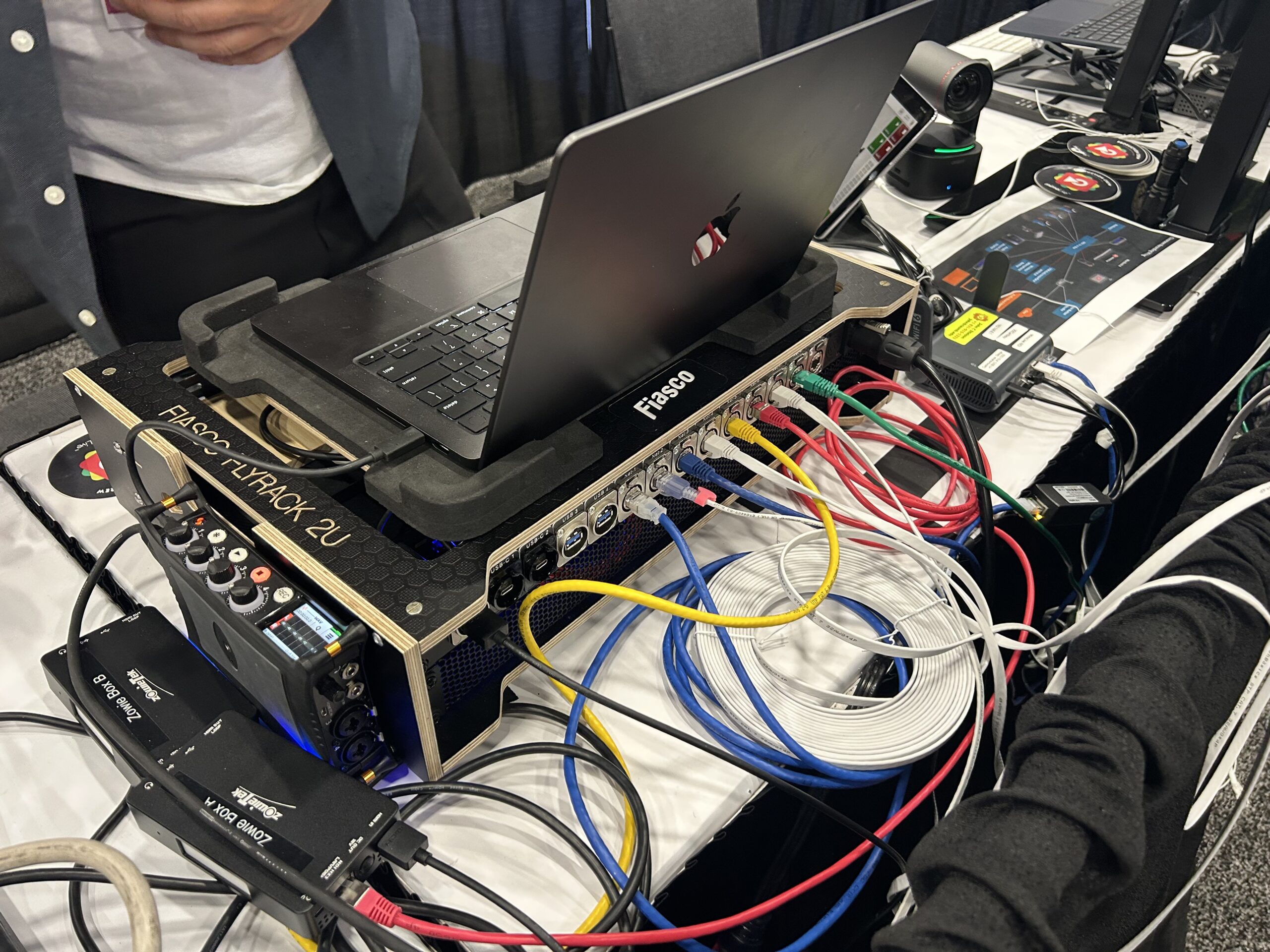
2× Zowiebox
2× MacBooks
GL.iNet AX1800
iPad
Claude Code
A Team. Across Time Zones.
Live Cutting From Las Vegas
Live Cutting Backup From Tromsø
Production Workflow From Salzburg
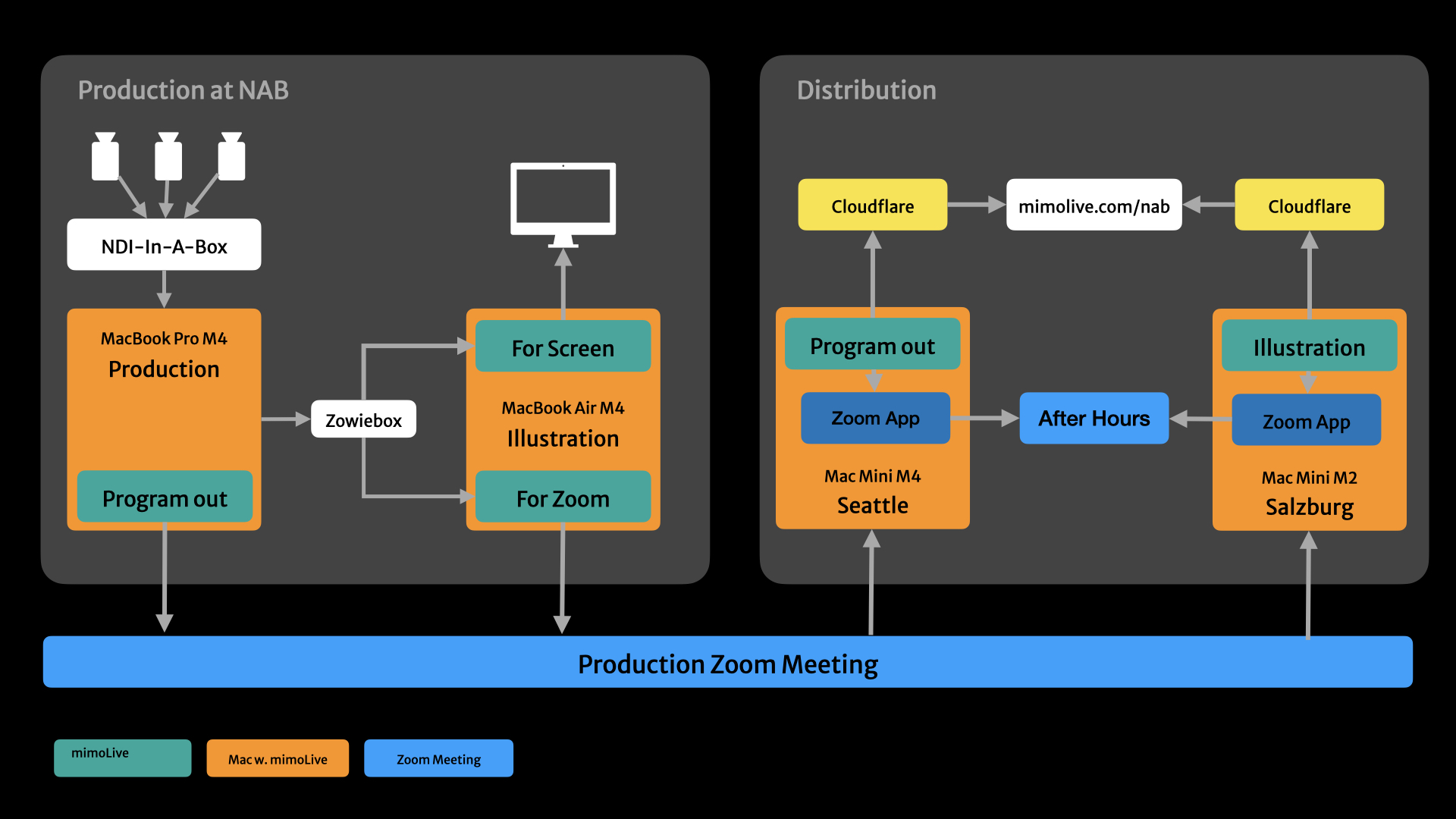
Oliver Breidenbach ran the production workflow from Salzburg, Austria, with remote access to all four Macs in the rig — the two in Las Vegas, plus the relays in Seattle and Salzburg that handled distribution to mimolive.com/nab and the officehours.global After Hours Zoom.
A Custom Workflow. Built In A Weekend.
AI can now build the production tool you wish you had.
Building Tools In A Weekend
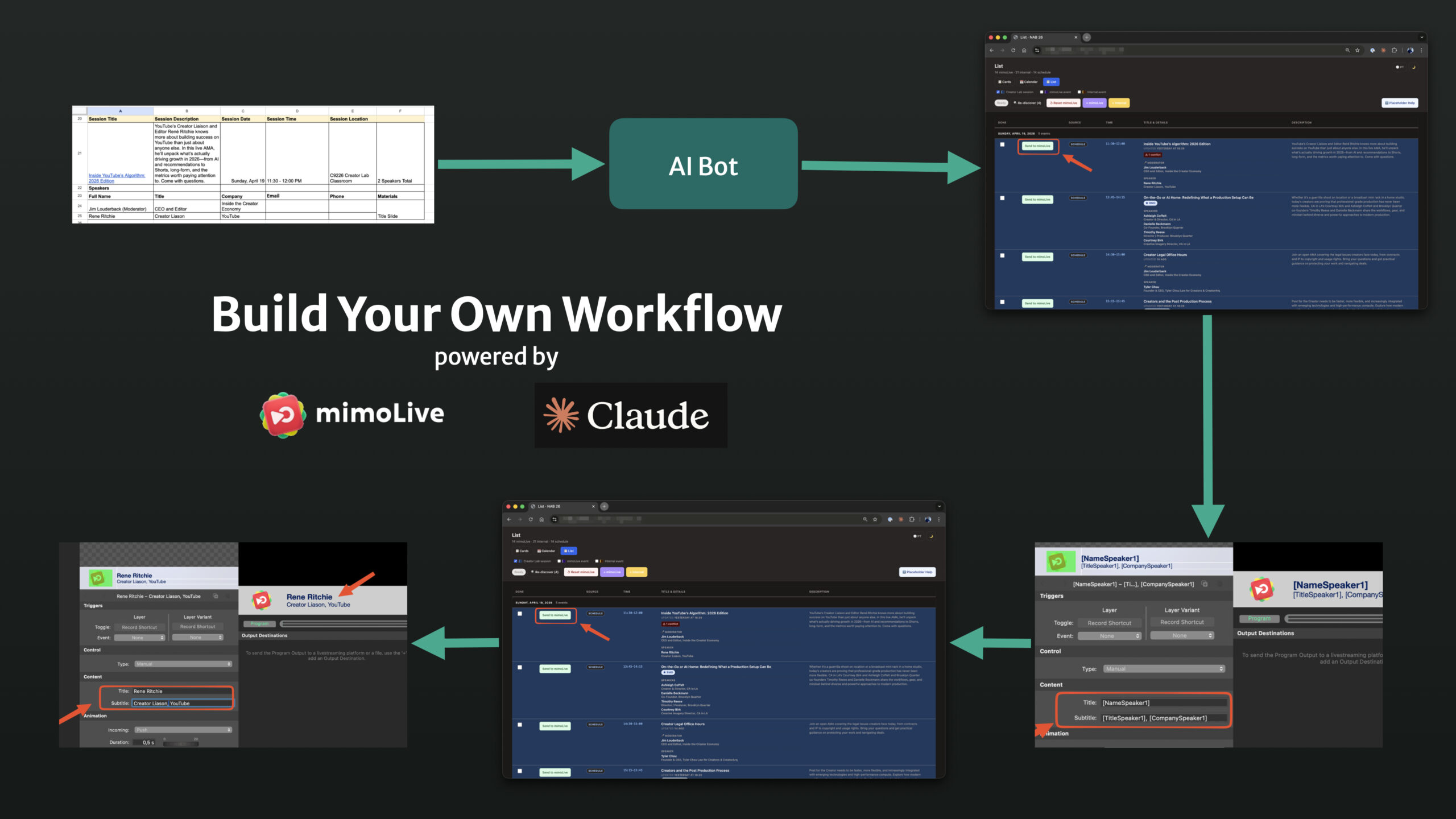
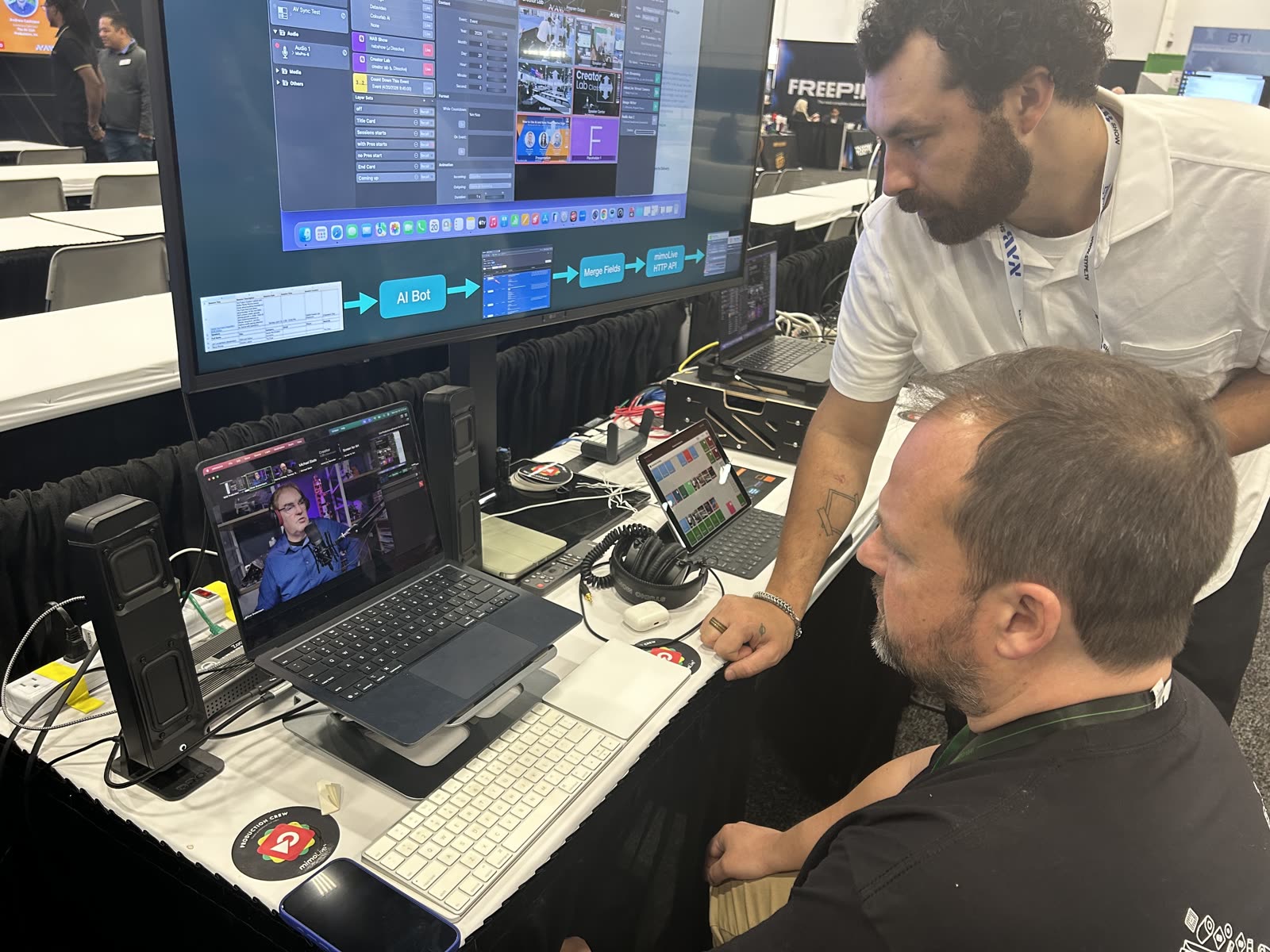
The production tool that ran the show didn’t exist a week before NAB. Claude Code wrote it over the weekend before the show: a Google Sheet of session schedules and speaker info, scanned every ten minutes, turned into a JSON database, fed into a custom web app that ran in a browser tab next to mimoLive. Each session in the rundown had a "Send to mimoLive" button. One click before each session populated the title card, lower thirds, and the rest of the speaker graphics in the mimoLive document, ready to go on air.
A weekend, from idea to working tool. No engineering project, no specification document, no sprint planning. Just a problem worth solving and an AI that could write the code.
Updating Tools During The Show
The tools didn’t stop changing once the show started.
Halfway through NAB, the operator’s view of the rundown got cluttered with sessions that had already happened. Hiding done events with a checkbox to unhide them when needed took about a minute to add. That kind of fix isn’t a feature request waiting in a backlog. It’s something the operator notices, says out loud, and has working before the next session starts.
The website kept up the same way. The page at mimolive.com/nab went live in under an hour from a standing start. Every night during the show, Claude Code swapped the live embeds for an off-air message with the next session time, so visitors who hit the page outside showtime saw the right thing. After the last session, one more swap: the embeds turned into a thank-you message, and the schedule turned into an archive linking out to YouTube.
A small team can now build, iterate, and maintain its own production tooling, in real time, without learning a programming language. That changes what a small team can do. mimoLive now ships with an MCP server built in, which means an AI agent can drive mimoLive directly. The next show like this one starts with the tooling already plugged in.
From Booth To World. Through Zoom.
One stream out of Las Vegas, distributed to the world from Seattle and Salzburg.
Out Of The Booth
The production Mac in mimoLive sent the program feed. The illustration Mac sent the screen capture of the production Mac. Both joined the same Zoom meeting and both pushed their feeds into it. One Zoom meeting carrying two video sources out of the venue, in place of two separate live streams the booth’s connection couldn’t have supported anyway.
Pulled In By Two Macs On Two Continents
A Mac mini M4 in Seattle and a Mac mini M2 in Salzburg joined the same Zoom meeting. Both ran mimoLive. The mimoLive Zoom SDK integration gave each of them clean ISO feeds of the meeting’s video sources — not screen captures of a Zoom window, the actual underlying streams. Seattle pulled the program feed. Salzburg pulled the production UI.
Sent To After Hours
Both relays joined the officehours.global After Hours Zoom at the same time, carrying the program feed and the production UI into that community while the show was live. Same backbone, different destination.
Also Side By Side On The Website
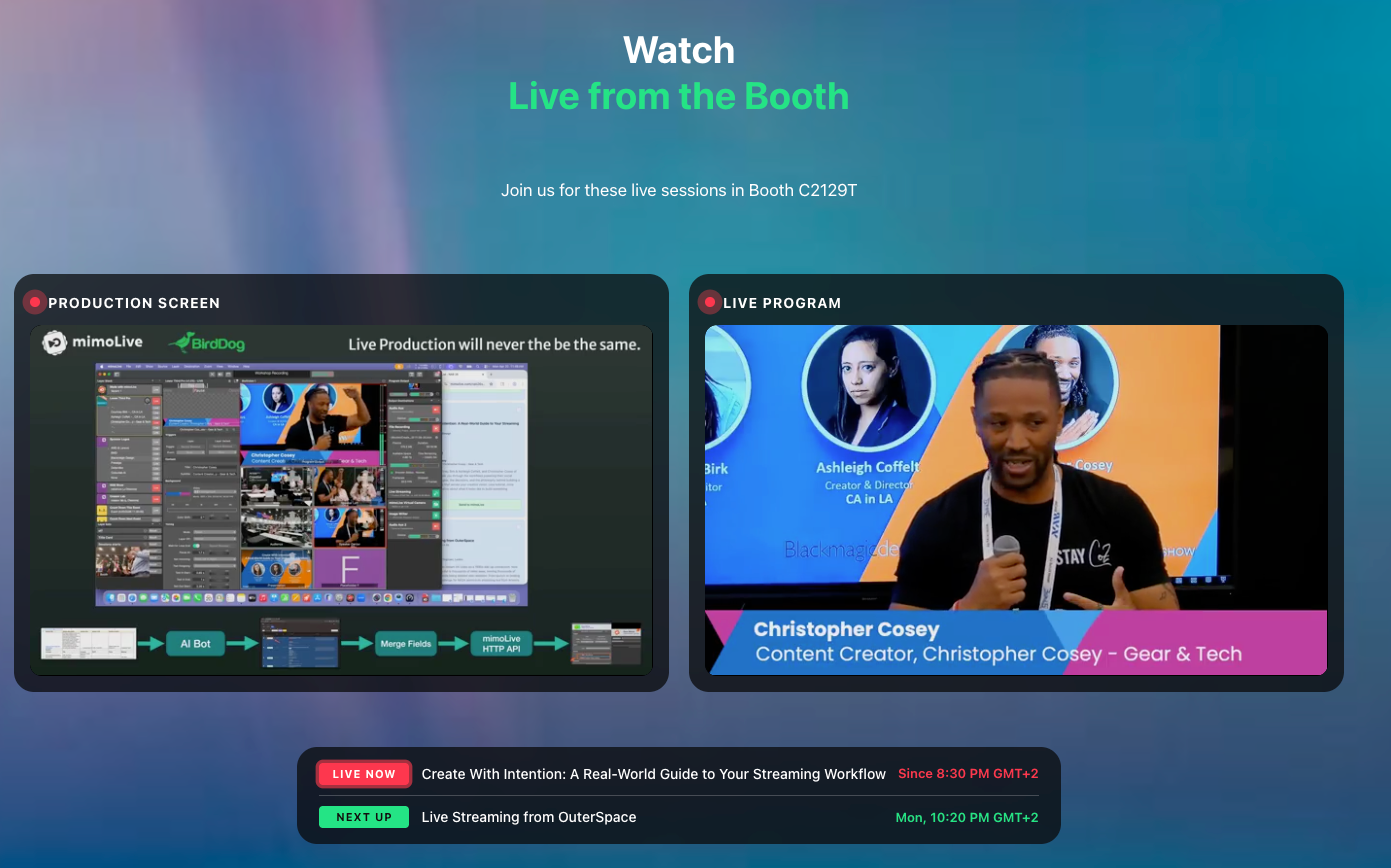
Seattle sent the program feed to Cloudflare Live. Salzburg sent the production UI. On mimolive.com/nab, both arrived side by side: the show on one half of the player, the production happening behind it on the other. One view from two continents, composed in the browser.
All The Sessions On YouTube. On The Same Day.
Ready to get started?
Download. Get License. Learn. Connect. You’re just four steps away from creating your best show ever.
