
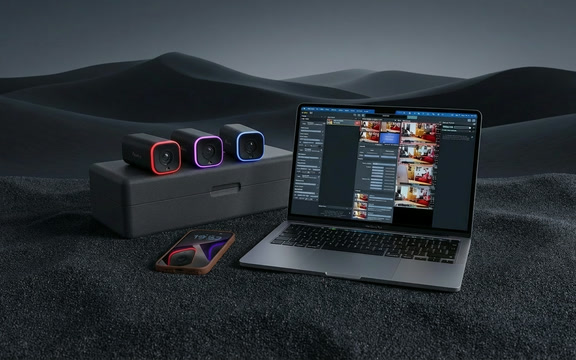
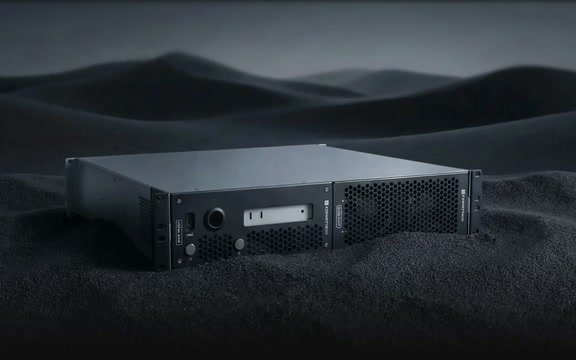
🎁 Get 6 months of mimoLive for your Mac free with the purchase of selected BirdDog camera bundles. More Info…

🎁 Get 6 months of mimoLive for your Mac free with the purchase of selected BirdDog camera bundles. More Info…

Video Editors, Film Makers and Ad Agencies: What do you want to do today?

Creatives working in Final Cut Pro, Adobe Premiere, DaVinci Resolve and other editors, who would rather solve a problem on set than in a review round.
Graphical elements

Quickly create overlays, lower thirds and other graphical elements, or convert footage to other formats for use in the editor of your choice.

Live green screen pre-viz

Visualize virtual sets and composited environments live on set, for immediate client feedback and less work in post production.

Why mimoLive belongs next to your editor.

Graphics with an alpha channel

Build lower thirds, titles and overlays from layers, then record them with transparency and drop the file straight onto your timeline.

Motion graphics without opening a compositor, and a revision takes minutes rather than an evening.
Live chroma key pre-viz

Composite the talent into the virtual set on set and in real time, on the monitor the client is already looking at.

The shot gets approved on the day, and post receives a plate that was framed for the composite.
Format and frame rate conversion

Odd formats, odd frame rates and odd aspect ratios come in as sources and go back out as recordings in the codec your editor wants, ProRes included.

The sponsor clip that arrives an hour before the deadline stops being a problem.
Virtual camera and Syphon

Send the live composite to another application, to a client monitor, or into a conferencing tool for a remote approval session.

Remote clients see the actual thing rather than a description of it.
Multi camera live cut

Interviews, behind the scenes and testimonial shoots can be cut live with several cameras, while isolated feeds record at the same time.

A finished cut leaves the shoot, and the isolated files are still there if the brief changes.

What Mac do you need?

Any current Mac runs mimoLive. What it needs depends on what you ask of it: how many cameras, how heavy the graphics, how many streams and recordings at once. These are real setups you can copy, and what Mac do I need walks through the sizing.

What does it cost?

Every plan has the full feature set. The free one puts a watermark on your output and the paid plans take it off, so you can build the whole show before you decide.

Free No charge The full application, with a watermark
Studio 79,00 €/month or 790,00 € a year
Broadcast 225,00 €/month or 2.250,00 € a year

Compare the plans

Real stories. From real editors.

Understanding Green Screen

A green screen lets you drop in whatever background images behind the subject when the desired background isn’t available—like a fictional, alien, historic, futuristic, or even just hard-to-access location. The green screen singles out the selected color (usually green) and digitally removes it by rendering it transparent. This lets the other image show through.


Read more »

Add it to the pipeline Free, on your own Mac.

mimoLive is free to download and test on any Mac with macOS 13 or newer. Bring it to the next shoot as a pre-viz monitor, or build one lower third with it, and see what stops being a post production task.

mimoLive
Download
Grab the latest version for MacOS and dive right in.
Enter License Icon
Get a Free License
Request your Evaluation Edition license and unlock all features
Watch tutorial
Watch the Getting Started Tutorial
Follow our quickstart video to launch your first production.
Join mimoLive Experts on Discord
Join the mimoLive Experts Community
Connect with peers, ask questions, and improve your workflow on Discord.