🎁 Get 6 months of mimoLive for your Mac free with the purchase of selected BirdDog camera bundles. More Info…

🎁 Get 6 months of mimoLive for your Mac free with the purchase of selected BirdDog camera bundles. More Info…

Educators and Trainers:What do you want to do today?

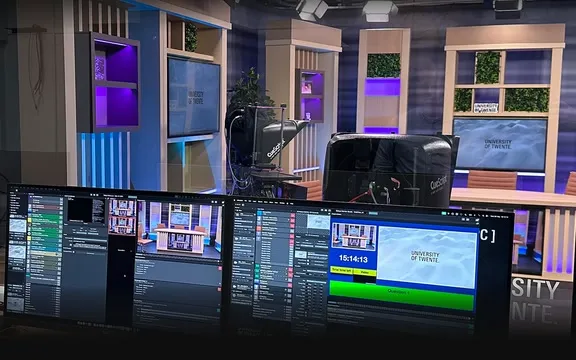
Schools, teachers and trainers engaging learners live or on demand. One Mac turns an ordinary room into a studio your students can run themselves.
School morning announcements

Stream daily news, messages and updates from your school studio.

Student media projects

Give students hands-on experience producing news, shows or creative content.

Lecture recording

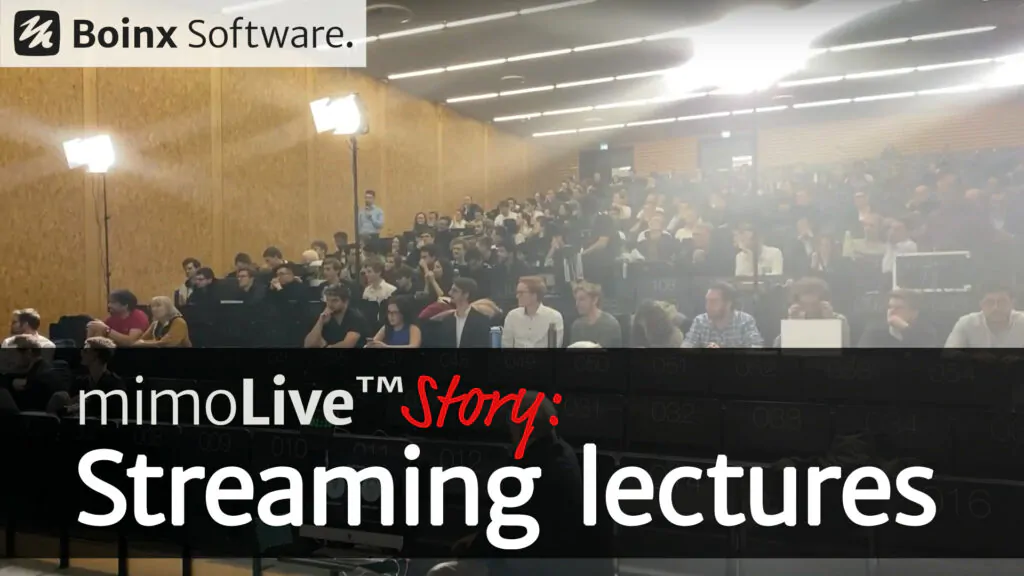
Capture classroom lectures with slides, video and graphics for later viewing.

Workshops and presentations

Produce professional looking training sessions or workshops for live or recorded delivery.

Virtual presentations and remote classroom

Combine camera, slides and screen share into polished live sessions for remote learners.

Why mimoLivefits a school.

Layer based graphics engine

Slides, the teacher’s camera, a document camera and a name title are all layers you switch on and off while the lesson runs. A layer can hold a still image, a video with an alpha channel, or a live feed.

Lessons look designed instead of improvised, and nothing has to be edited afterwards.
Remote control surfaces

Build a browser based control panel that shows only the buttons your show needs, then open it on iPads around the room. Several panels can run at once, one for each role.

Students crew the show from buttons they understand, and nobody has to learn the whole application.
Virtual camera

The finished picture appears as a webcam inside Zoom, Teams, Google Meet or whichever conferencing tool the school already uses.

Remote learners get a produced lesson with graphics and several cameras, in the tool IT has already approved.
Recording while streaming

Recording and streaming are separate output destinations. Record the lesson to disk, in ProRes if you want to edit it later, while the same show goes out live.

The on demand copy is finished when the bell rings. There is no export queue and no post production.
Live video switcher

Cameras, iPhones, screen shares, document cameras and playback all run at the same time, and several of them can be on screen together.

One person, or one student, covers the whole room without a rack of extra hardware.
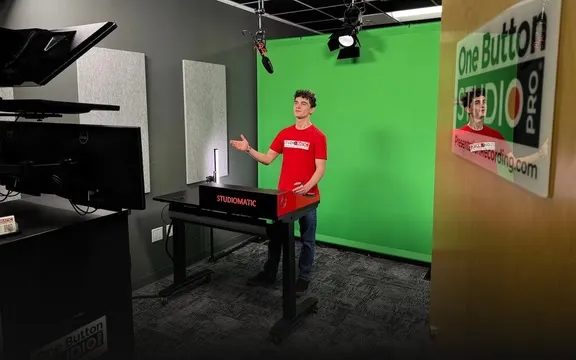
Chroma keying

A green sheet on a classroom wall becomes any set you like. The weather corner works exactly the way it does on television.

A set costs the price of a curtain, and students learn how the real thing is made.

Try it in your classroomFree, on your own Mac.

mimoLive is free to download and test on any Mac with macOS 13 or newer. Build a show, put students behind it and see what a first broadcast looks like. The Classroom News Studio is a complete setup that fits in an ordinary room.