🎁 Get 6 months of mimoLive for your Mac free with the purchase of selected BirdDog camera bundles. More Info…

🎁 Get 6 months of mimoLive for your Mac free with the purchase of selected BirdDog camera bundles. More Info…

How We Pulled It OffFrom 5,900 miles (9,500 km) Away.

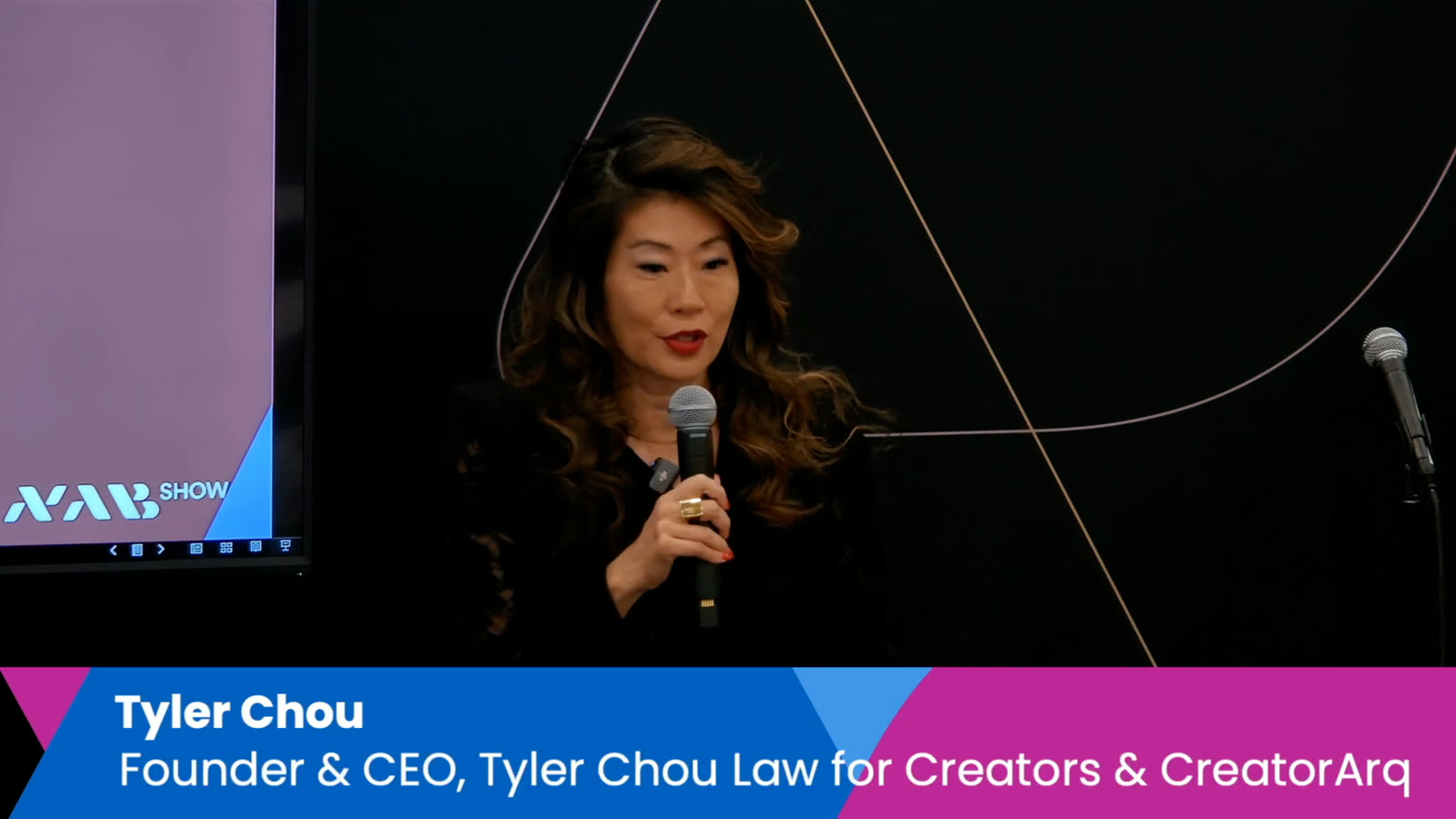
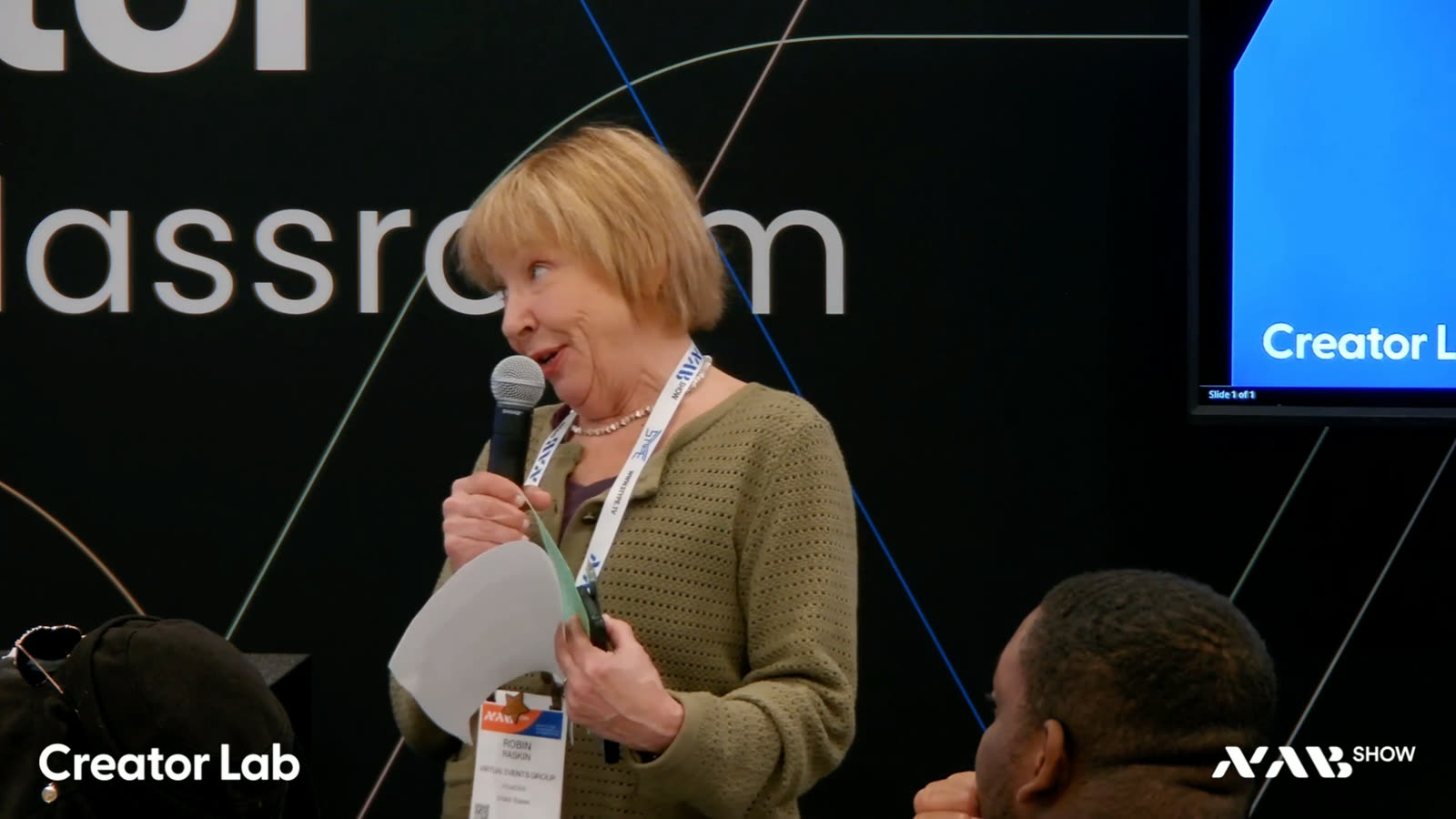
NAB 2026 Creator Lab Workshops streamed live and uploaded to YouTube before dinner.

Supported by BirdDog

For years I have been looking for a way to be more involved with real content production at NAB and use that to show people what mimoLive actually does. I envisioned a setup with both an in-front-of-the-camera and a behind-the-camera, where people could watch both and see how the production came together.

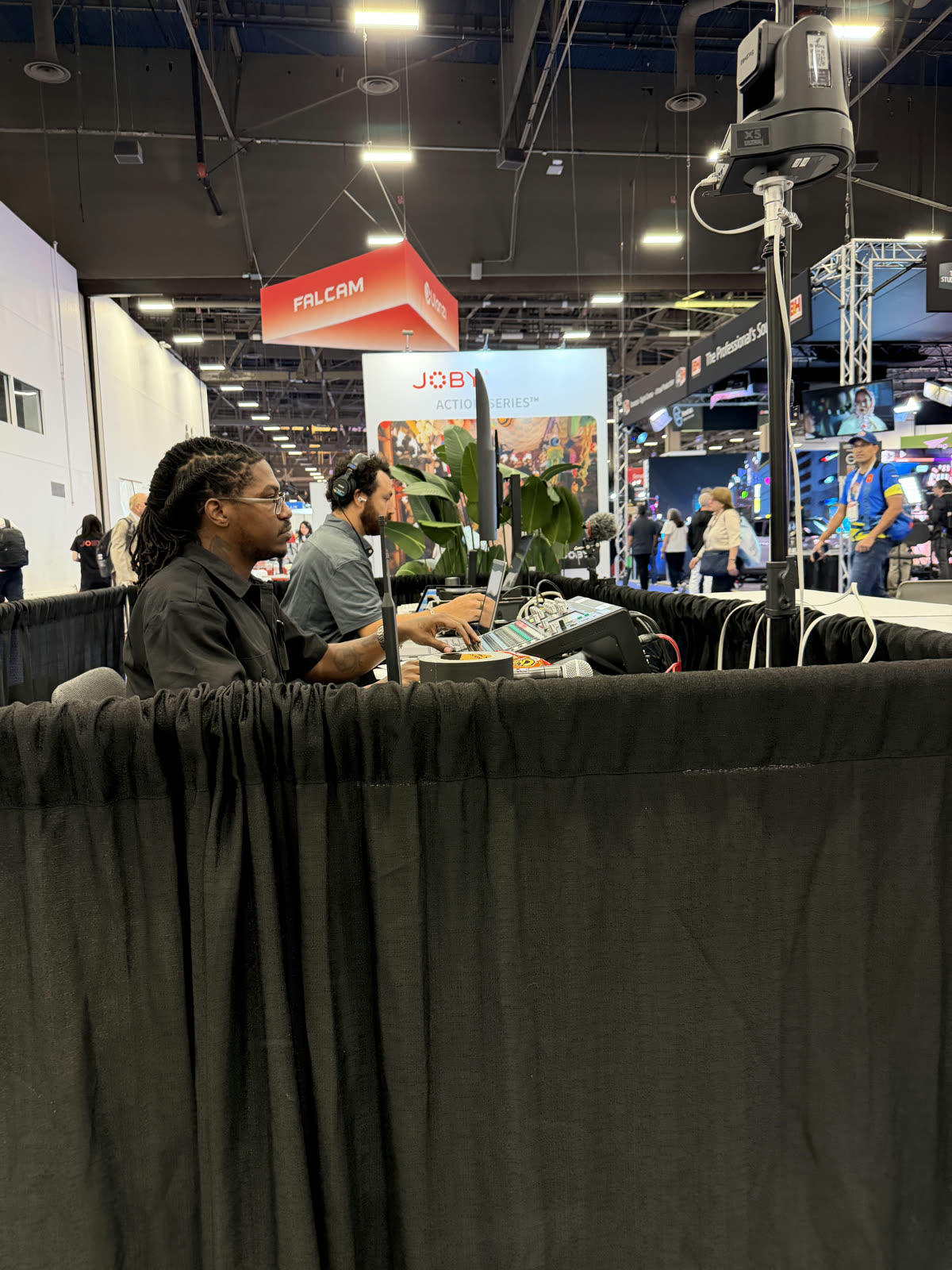
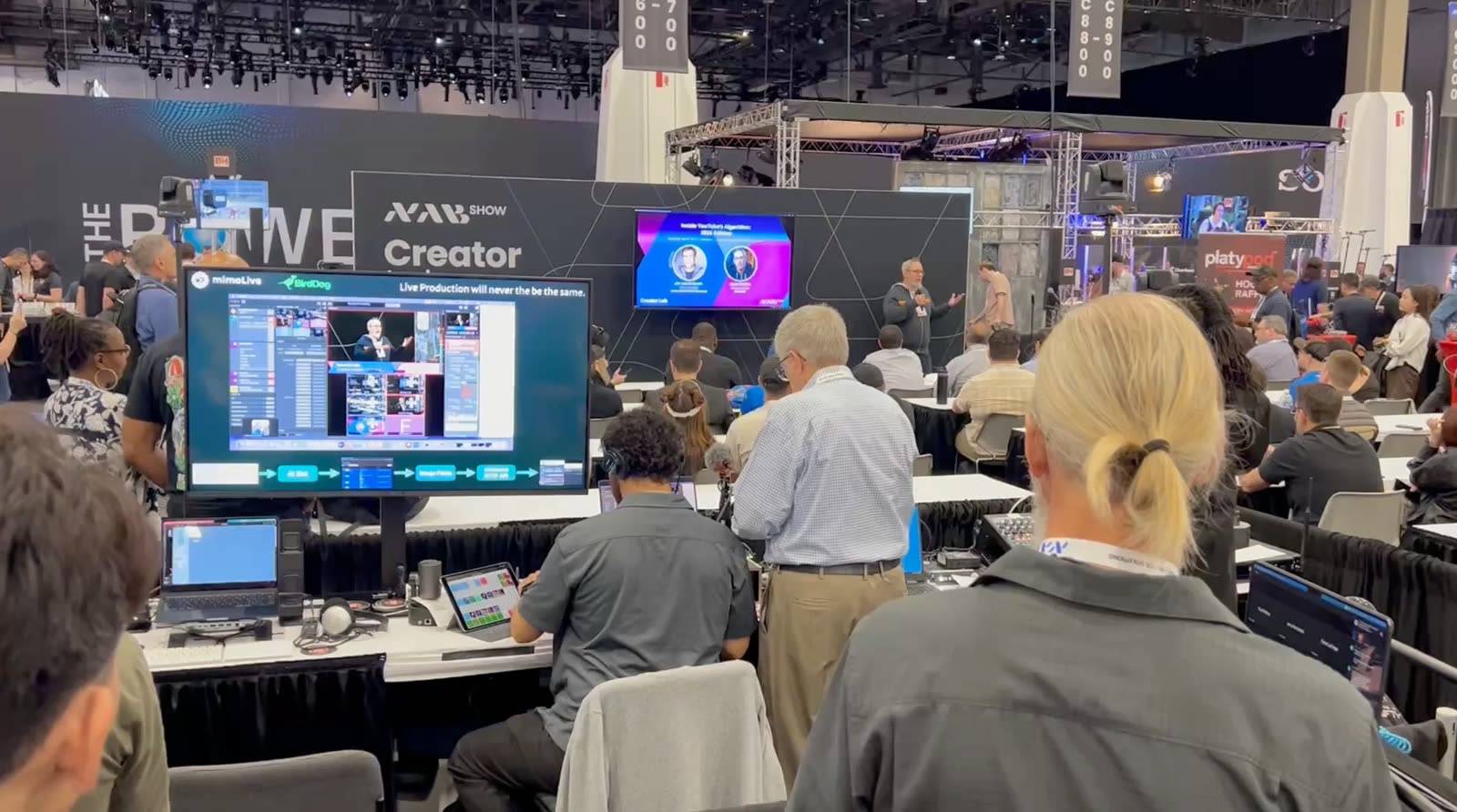
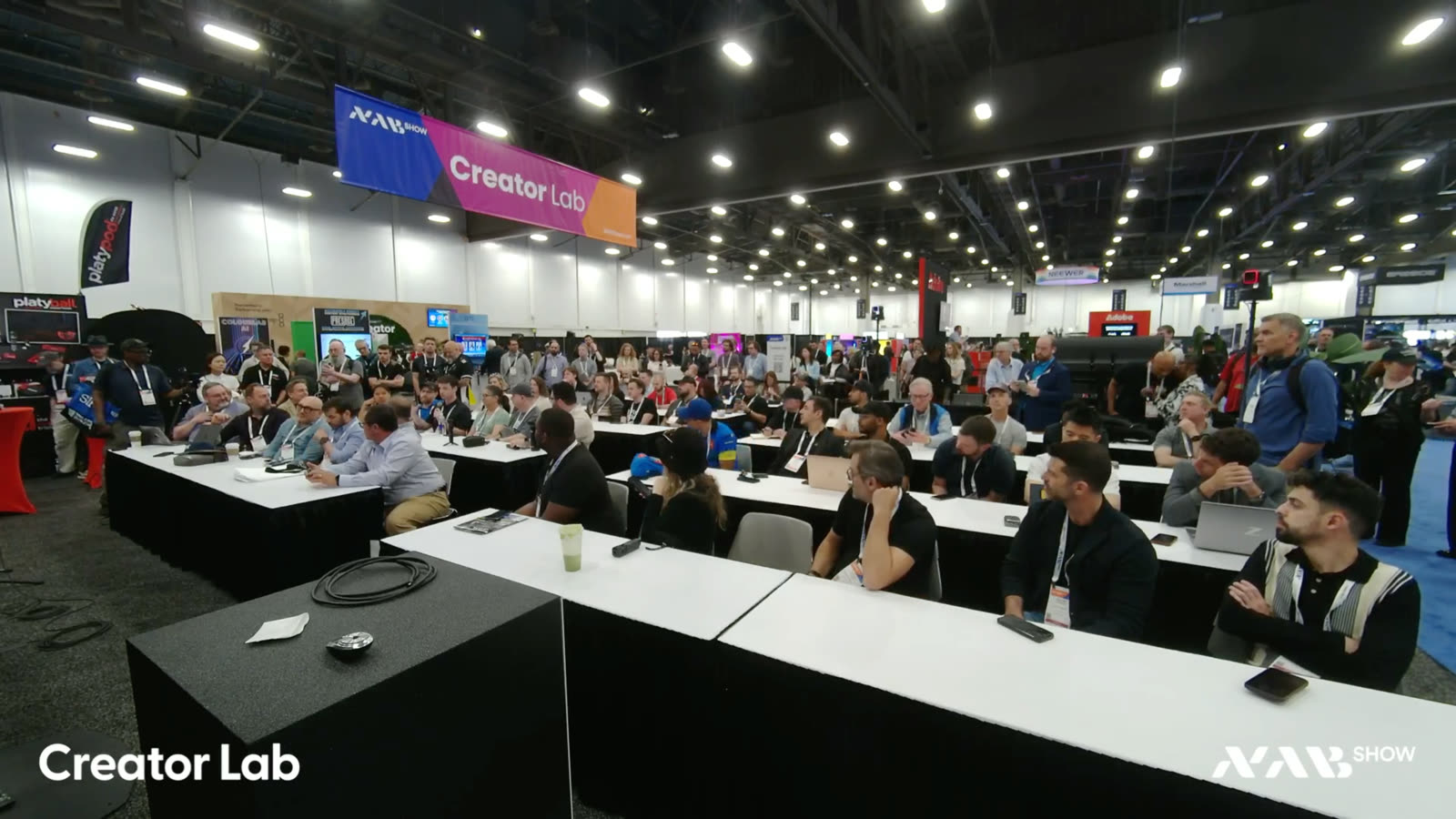
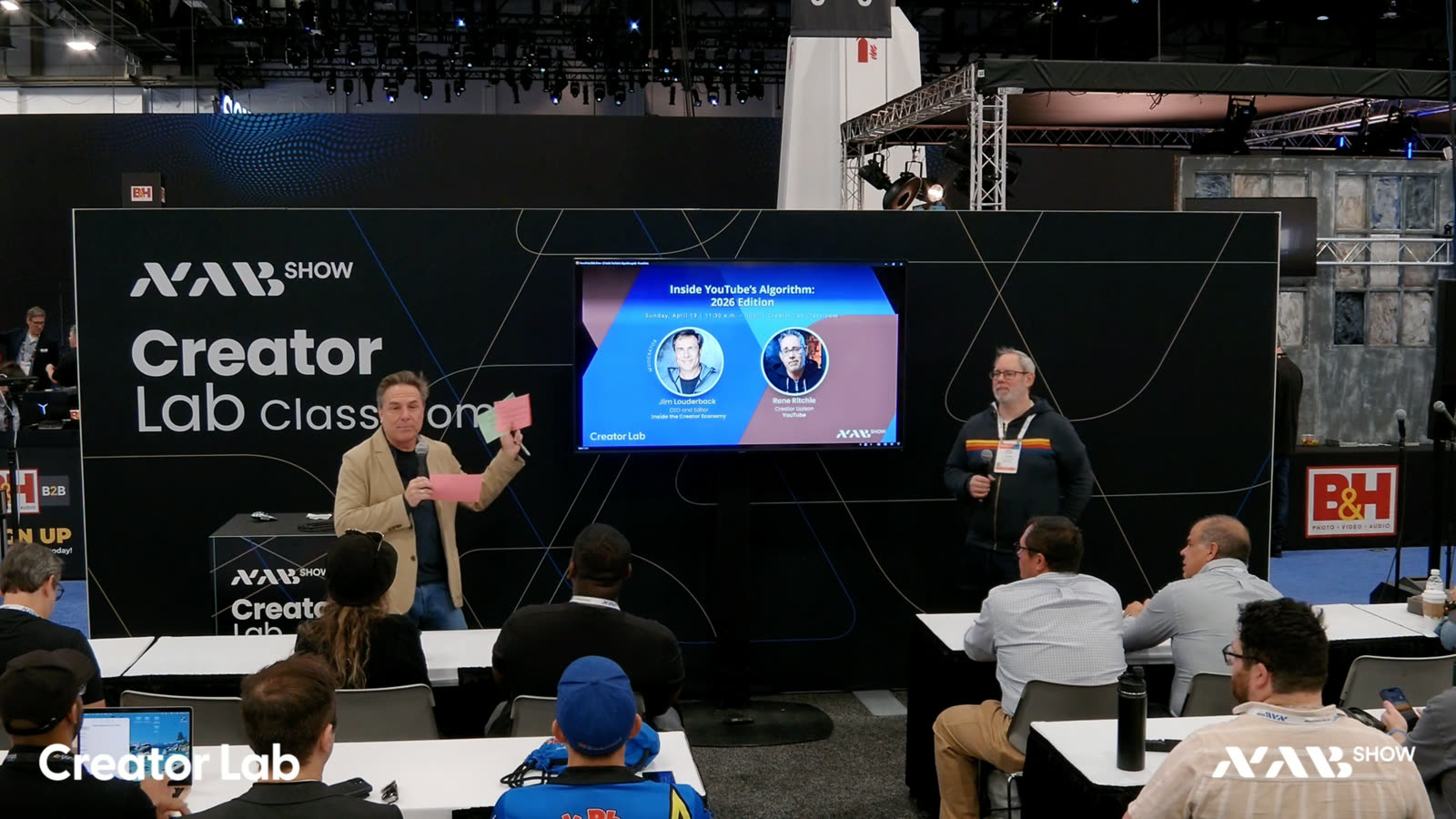
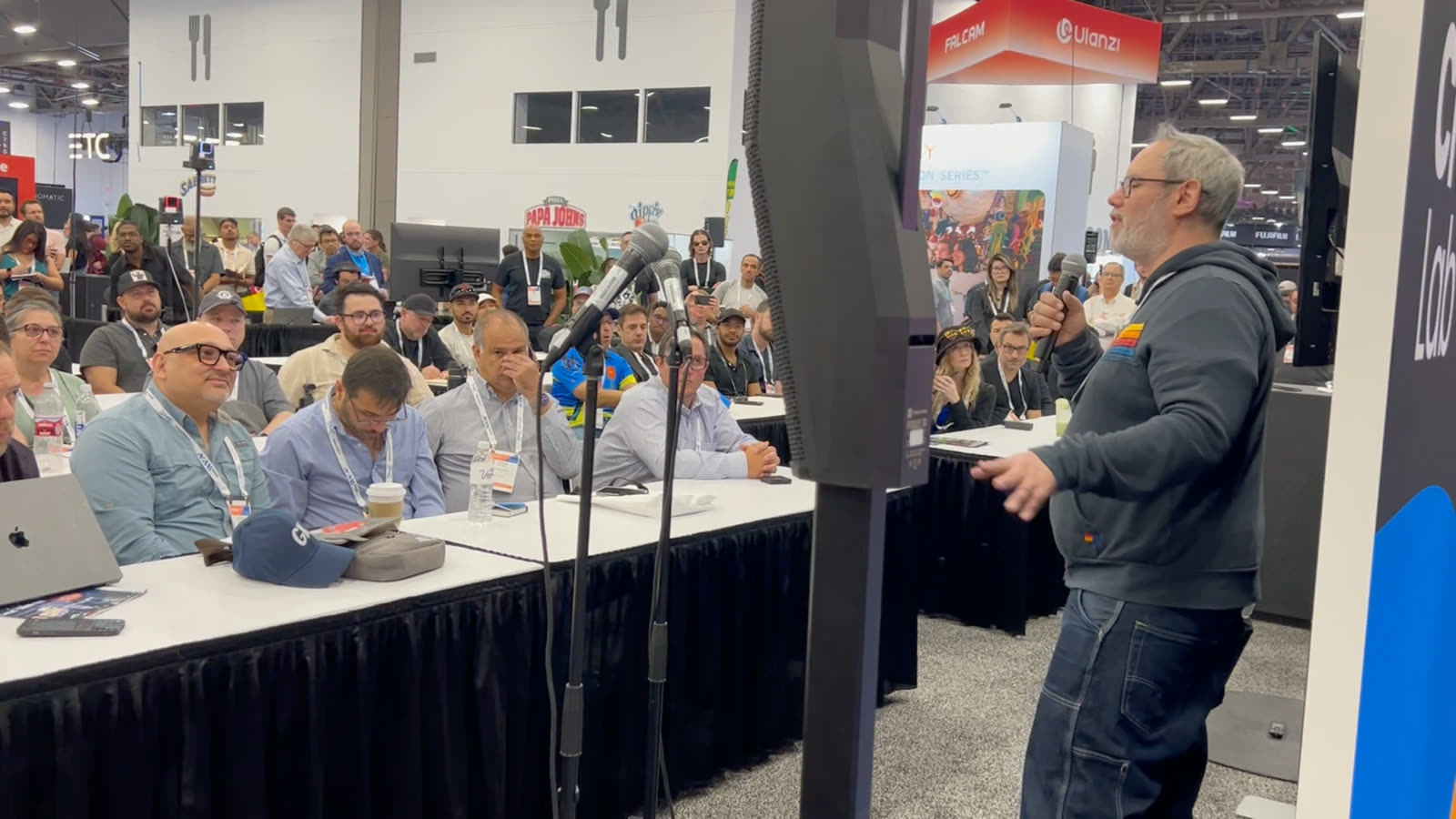
This year, the opportunity presented itself in the form of the Creator Lab, where NAB was looking for a partner to produce the recordings in the Workshop space. Unlike the typical setup where the production team is tucked away unseen at the back of the hall, we were right in the middle of the space where people could look over our shoulders, see what we were doing, and ask questions.

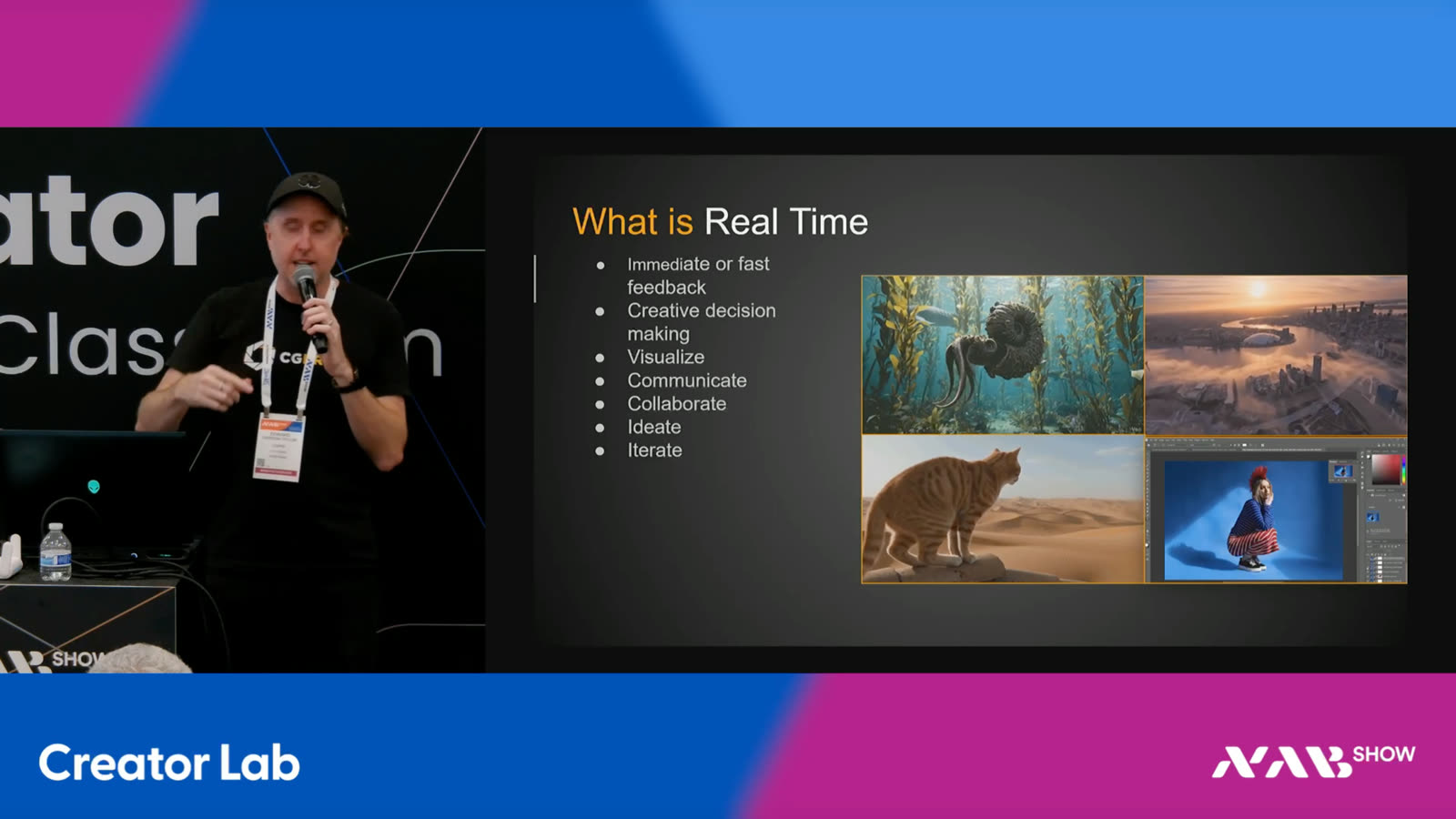
The sessions themselves were workshops by creators for creators. Thanks to the awesome mimoLive team spread across two continents — Las Vegas, Seattle, Norway, and Austria — the live stream went into the officehours.global After Hours Zoom meeting and to our website. The recordings were posted the same day to the YouTube channel and delivered to NAB.

If you didn’t have a chance to witness the production in Las Vegas, here’s how we pulled it off.

Enjoy, Oliver.

The SetupUnpacked.

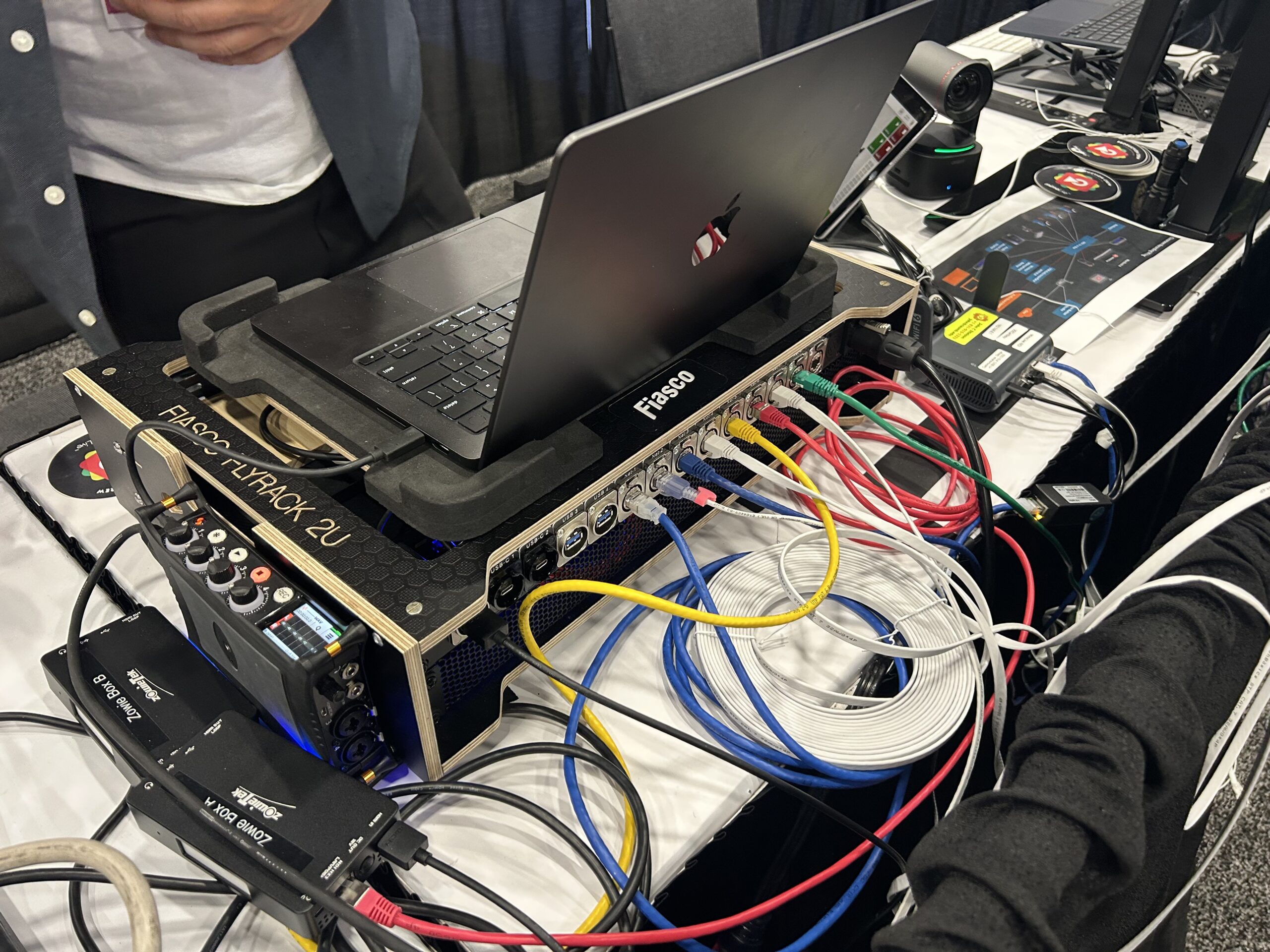
Setup took only two hours, and visitors couldn’t believe that the entire production was running on just a single MacBook Pro M4 with mimoLive. The NDI-in-a-Box simply provided the network infrastructure needed for NDI.
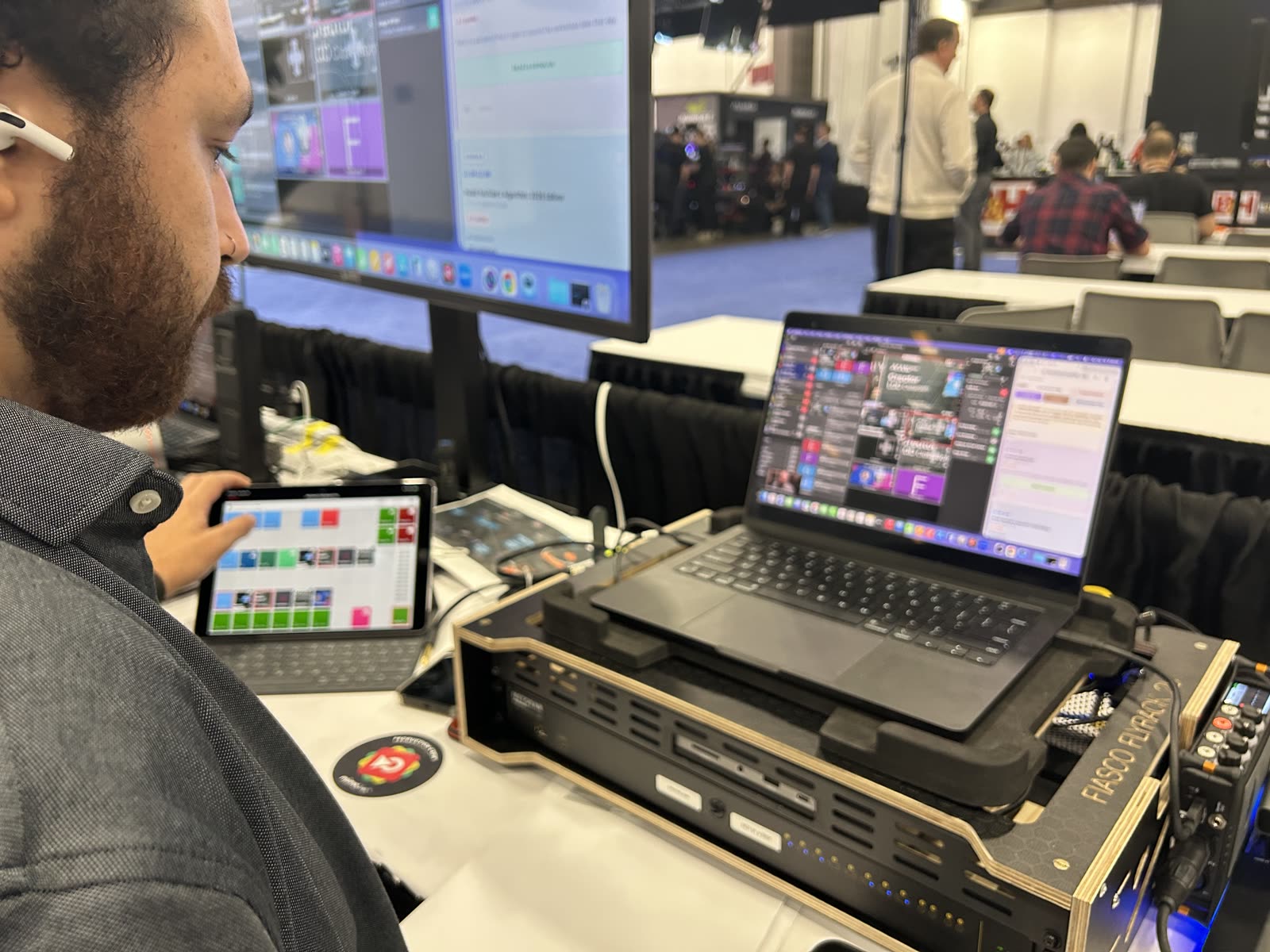
Fiasco Flyrack with NDI-in-a-Box, Zowieboxes, MacBook, and cabling at NAB 2026

mimoLive

The production app. mimoLive ran the entire show on a single MacBook Pro M4: switching between cameras, pulling in lower thirds and title cards, mixing audio, recording to disk, and pushing the live stream out. Download mimoLive for Mac.

NDI-In-A-Box

The networking core of the rig. NDI runs everything over standard Ethernet, which means every device on the network can see every camera. Both MacBooks were connected to the same network, so each one had access to all the cameras and Zowieboxes at once. The Ethernet switch inside the NDI-in-a-Box also delivers power to the cameras, so each camera needs just one cable. That’s why setup took two hours instead of two days. Full kit at mimolive.com/ndi-in-a-box.

3× BirdDog X5 Ultra

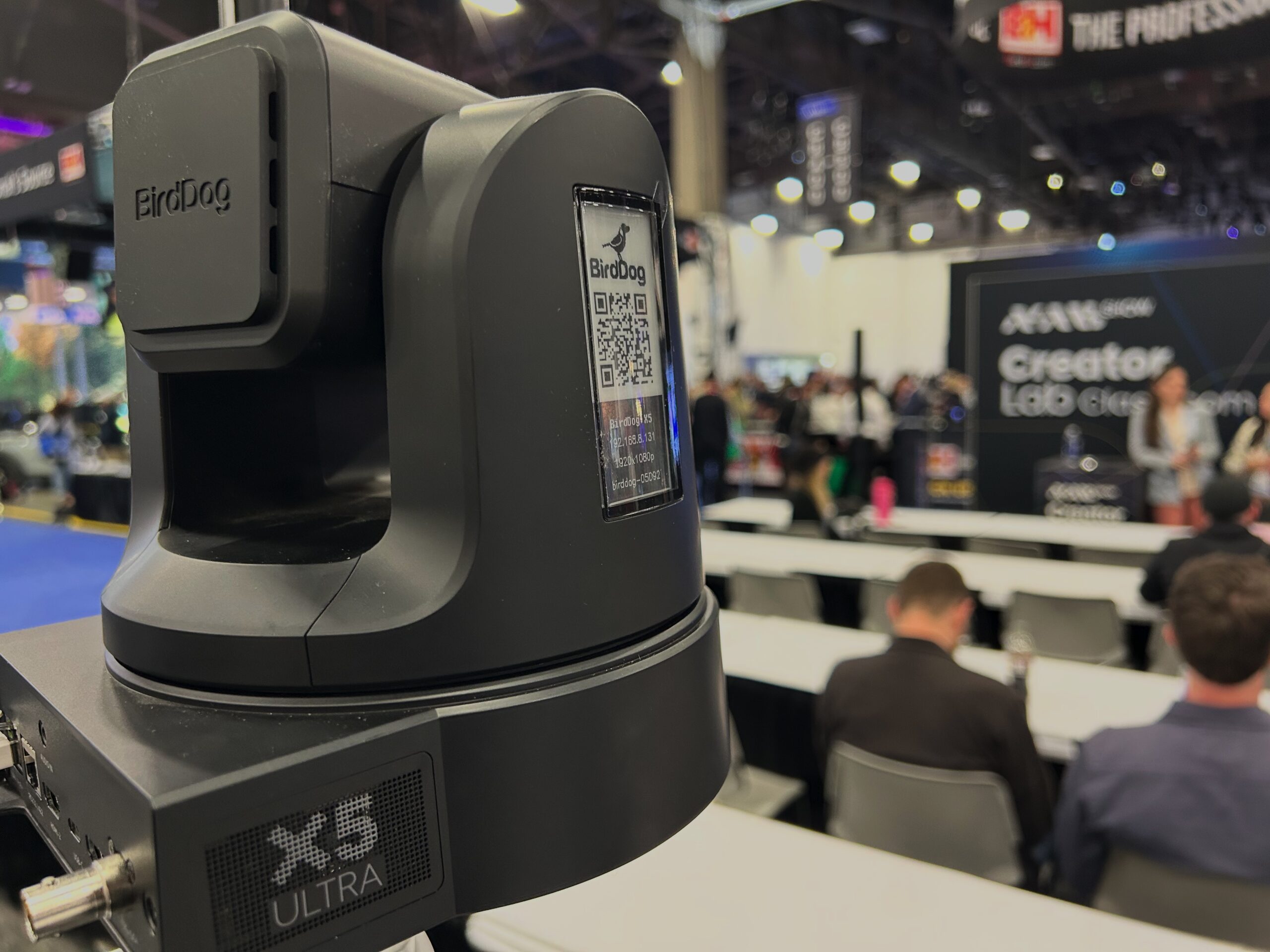
Three NDI cameras handled the wide, speaker, and audience angles. The operator can pan, tilt, and zoom every camera from the production Mac using the PTZ controls inside mimoLive — no separate control surface needed. That kept the team small. The X5 Ultras also have AI auto-follow, and a built-in web interface that let Ronny color-grade them live from Norway. Thanks to BirdDog for the cameras — bundle one with six months of mimoLive free.

OBSBOT Tail 2

A small, unobtrusive NDI camera pointed at the audience. Its size mattered: the people on camera barely noticed it was there, which is exactly what you want from an audience cam. The operator could control its PTZ from inside mimoLive too, just like the BirdDogs. Including a different camera brand in the rig also showed something useful: NDI is broadly supported across cameras, so NDI-in-a-Box works with whatever you bring to it.

2× Zowiebox

Two Zowieboxes captured HDMI signals into NDI feeds for the production. One sat between the presenter’s laptop and the screen. Direct capture preserves correct timing, real fonts, and smooth video playback, which means the presentation can be live-edited into the program and the recording is ready the moment the session ends. The second Zowiebox captured the production Mac’s screen for distribution to the booth TV, the Zoom backbone, and the live embed on the website.

2× MacBooks

Two Apple Silicon Macs ran the show. A MacBook Pro M4 ran the production in mimoLive: cameras in, switching, graphics, recording, and the live stream out. Audio came in from the venue’s audio mixer. A MacBook Air M4 ran a second mimoLive instance handling the illustration view, taking the screen capture of the production Mac off the Zowiebox and pushing it to the booth TV and into the Zoom backbone. Splitting the two jobs across two Macs kept the production Mac focused on the show, and the illustration Mac focused on showing the show being made.

GL.iNet AX1800

A small router that did three jobs at once. It connected the rig to the venue’s internet, in this case a hardwired 20 Mb/s line, but it can just as easily connect to Wi-Fi instead. It broadcast its own Wi-Fi network for the iPad running the remote control surface. And it provided the DHCP that NDI needs to make the cameras truly plug-and-play. The router was the piece of the rig that made everything else portable: take it to a different venue, plug it into whatever uplink that venue has, and the rest of the rig just works.

iPad

An iPad running the mimoLive Remote Control Surface. The Surface hides the complexity of the mimoLive document behind a small set of buttons, one for each phase of the show. Tap a button and the production moves into that phase: the right cameras, the right graphics, the right output destinations, all at once. Each phase has its own controls for whatever needs adjusting in the moment. The Surface is fully customizable, which meant the operator could focus on running the show instead of remembering which layer to toggle.

Claude Code

The AI tooling. Claude Code wrote a custom production tool over the weekend before NAB, and updated it during the show whenever a new idea came up. The tool drove the on-air graphics for every session, one click at a time. The bigger point: anyone can now build their own custom workflow on top of mimoLive, without learning a programming language. mimoLive now ships with an MCP server built in, so the next show like this one starts even closer to the finish line. Try Claude Code.
BirdDog X5 Ultra camera positioned at the NAB Creator Lab Workshop space

A Team.Across Time Zones.

Gabe live cut the show in Las Vegas. When he needed a break, Ronny in Tromsø and Oliver in Salzburg were ready to take over. This is the future of live production: a small core crew, distributed across time zones, with full access to the same production system from anywhere in the world. Remote production isn’t a backup plan anymore. It’s the plan.
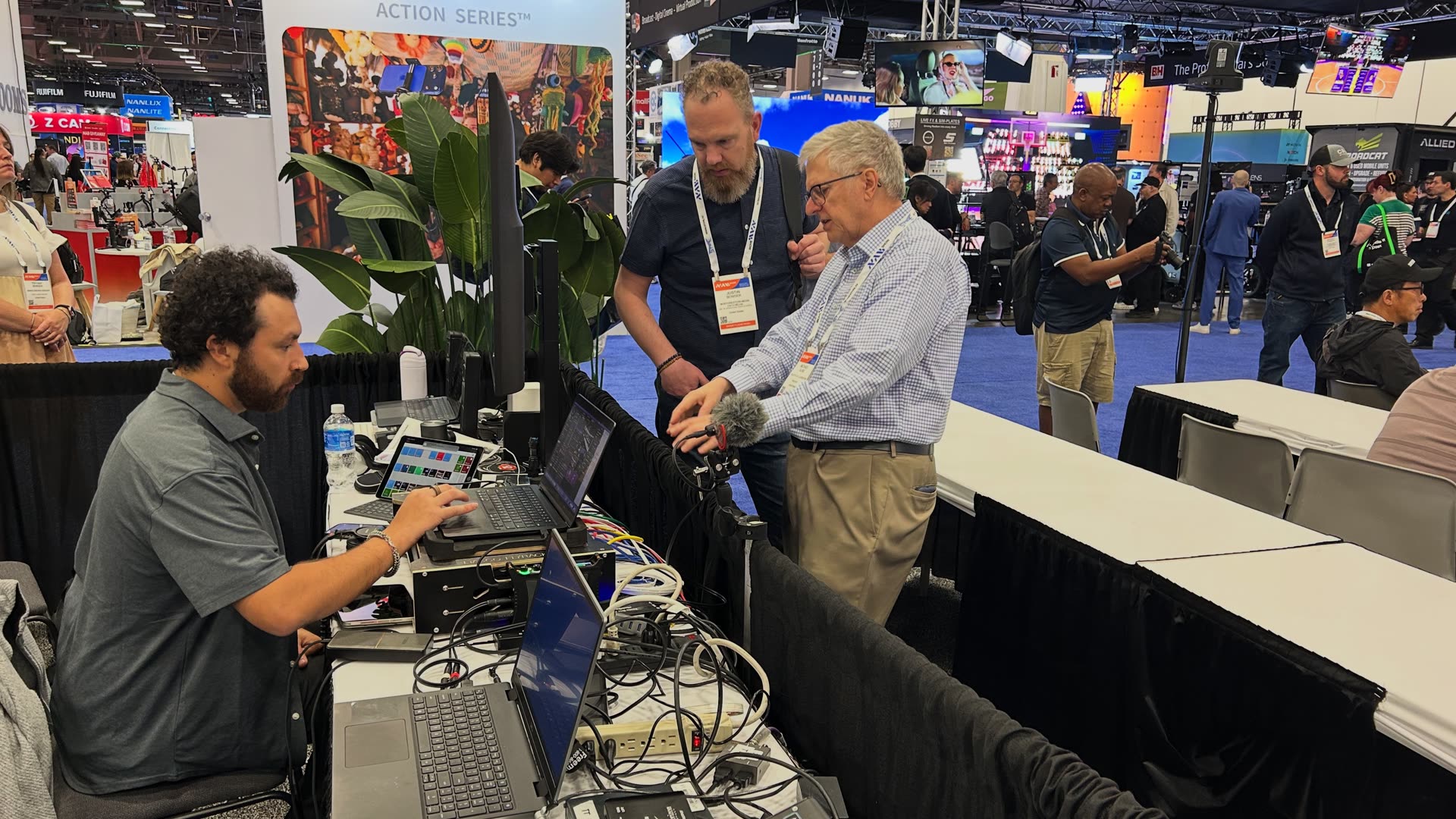
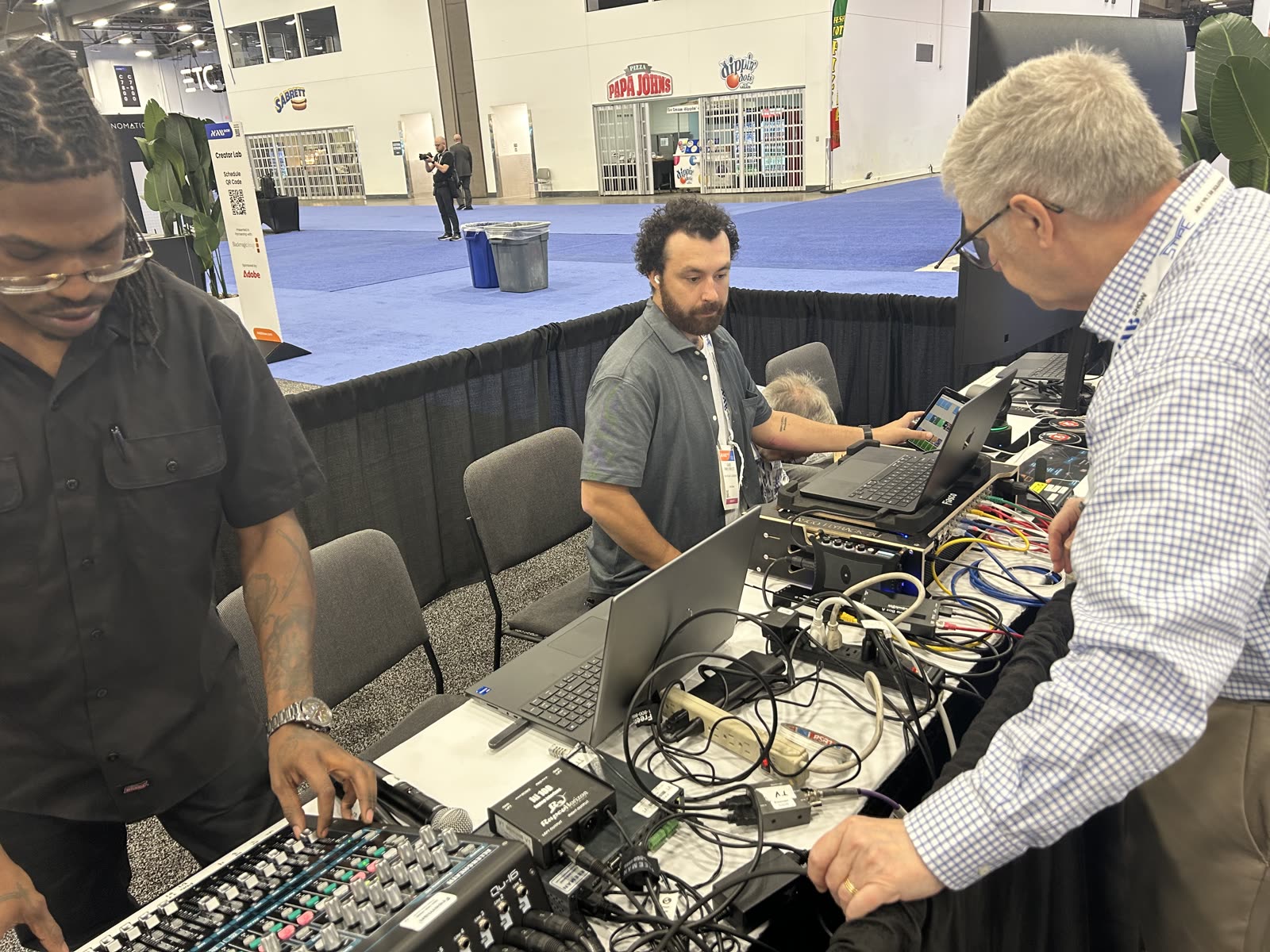
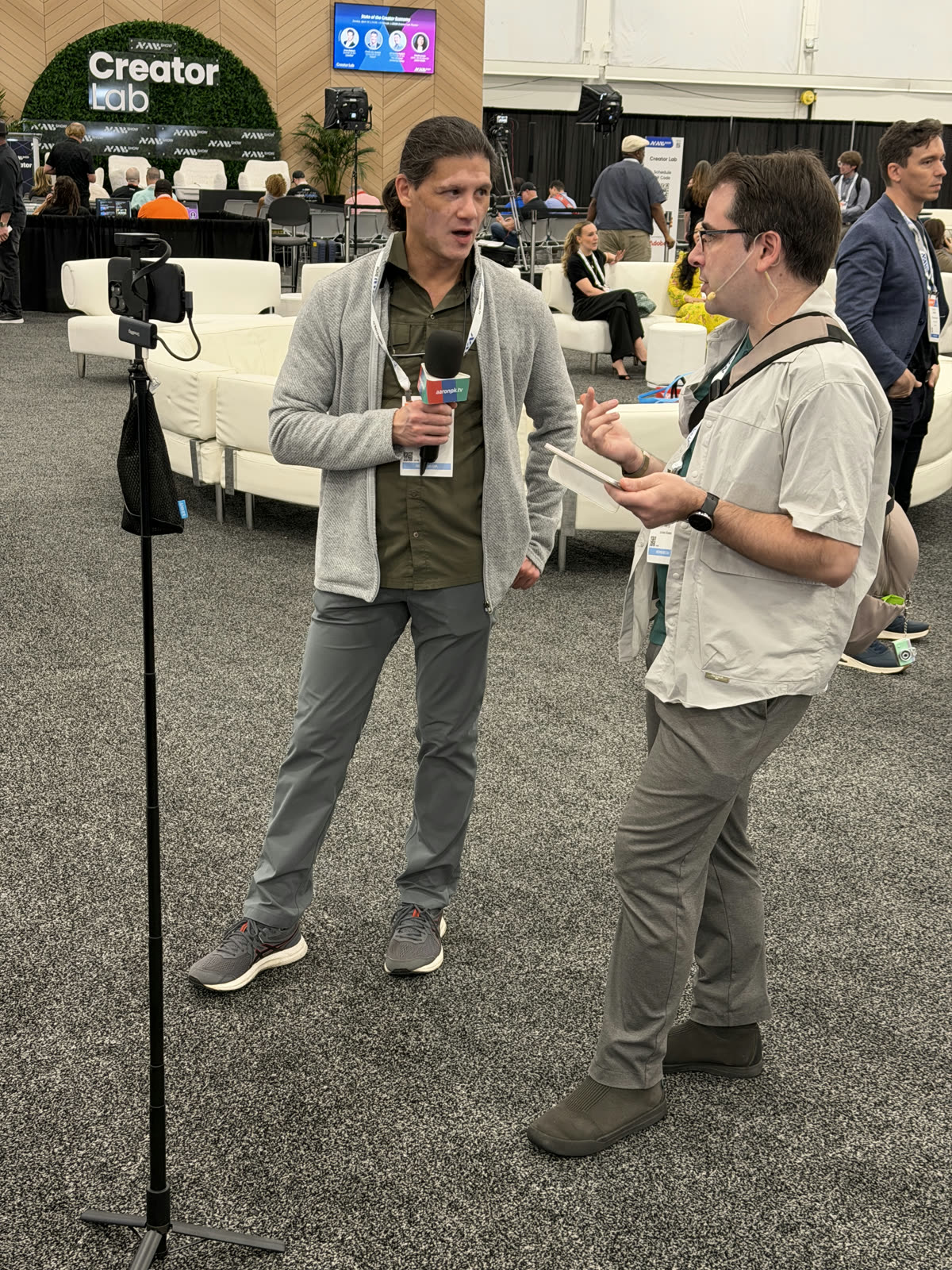
Gabe Firpo-Triplett cutting a session at the booth, while Michael Slade walks a visitor through the rig
Gabe Firpo-Triplett cutting a session at the booth, while Michael Slade walks a visitor through the rig.

Live Cutting From Las Vegas

Gabe Firpo-Triplett handled the live cuts from the production Mac at the booth.

Live Cutting Backup From Tromsø

Ronny Hofsøy stepped in from Tromsø, Norway to cut by remote controlling the production Mac whenever Gabe needed a break. Ronny worked directly inside the same mimoLive document Gabe had been using a moment earlier. He also color-graded the cameras live, using their built-in web interface.

Production Workflow From Salzburg

Oliver Breidenbach ran the production workflow from Salzburg, Austria, with remote access to all four Macs in the rig — the two in Las Vegas, plus the relays in Seattle and Salzburg that handled distribution to mimolive.com/nab and the officehours.global After Hours Zoom.

On The Booth Floor

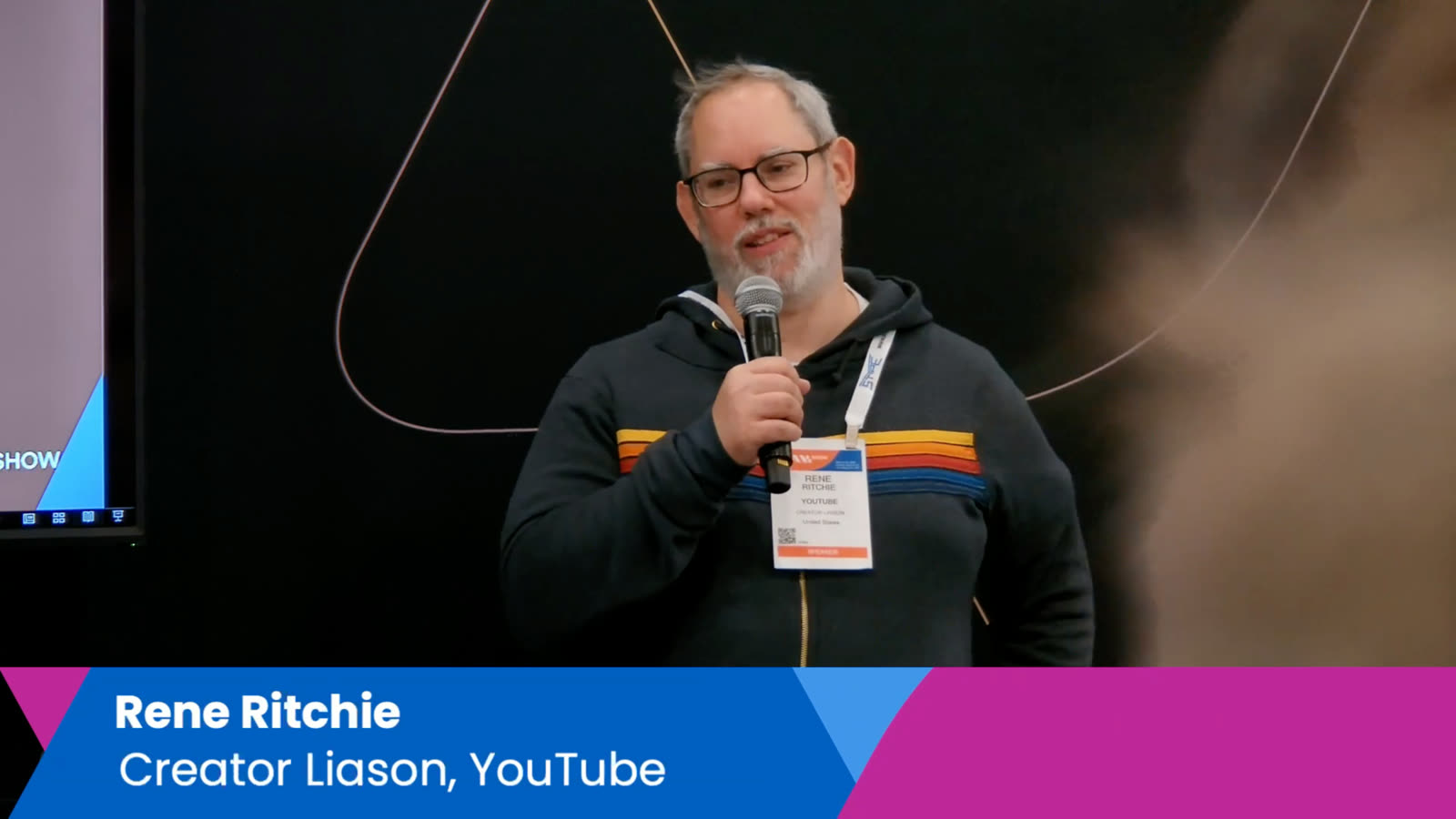
Michael Slade and John C. Ittelson set up the booth, ran the floor, and answered questions from visitors who wanted to learn more about mimoLive and how the rig worked.

A Custom Workflow.Built In A Weekend.

AI can now build the production tool you wish you had.

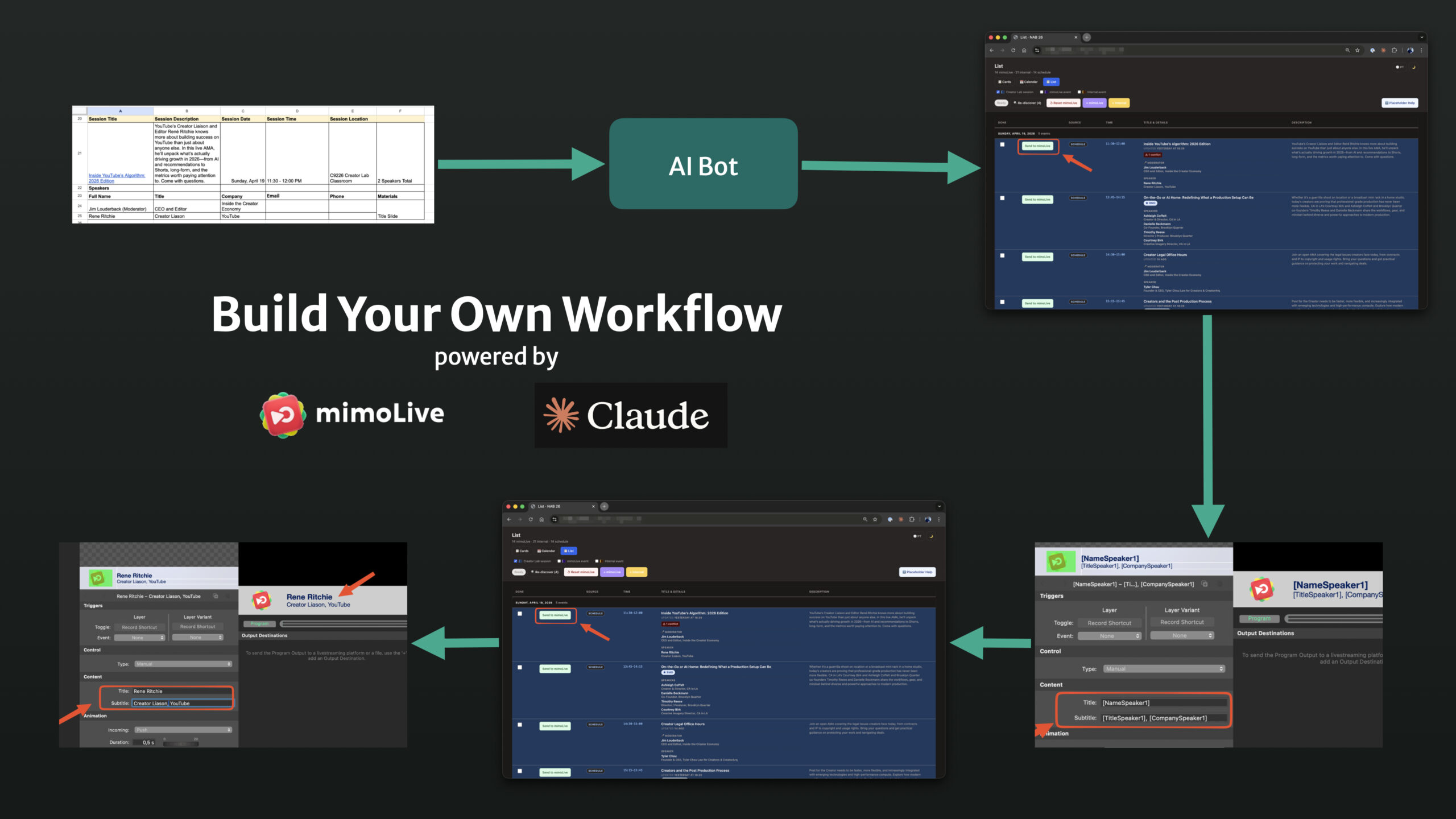
Diagram showing how Google Sheet, Claude AI, and the mimoLive HTTP API drive on-air graphics

Building Tools In A Weekend

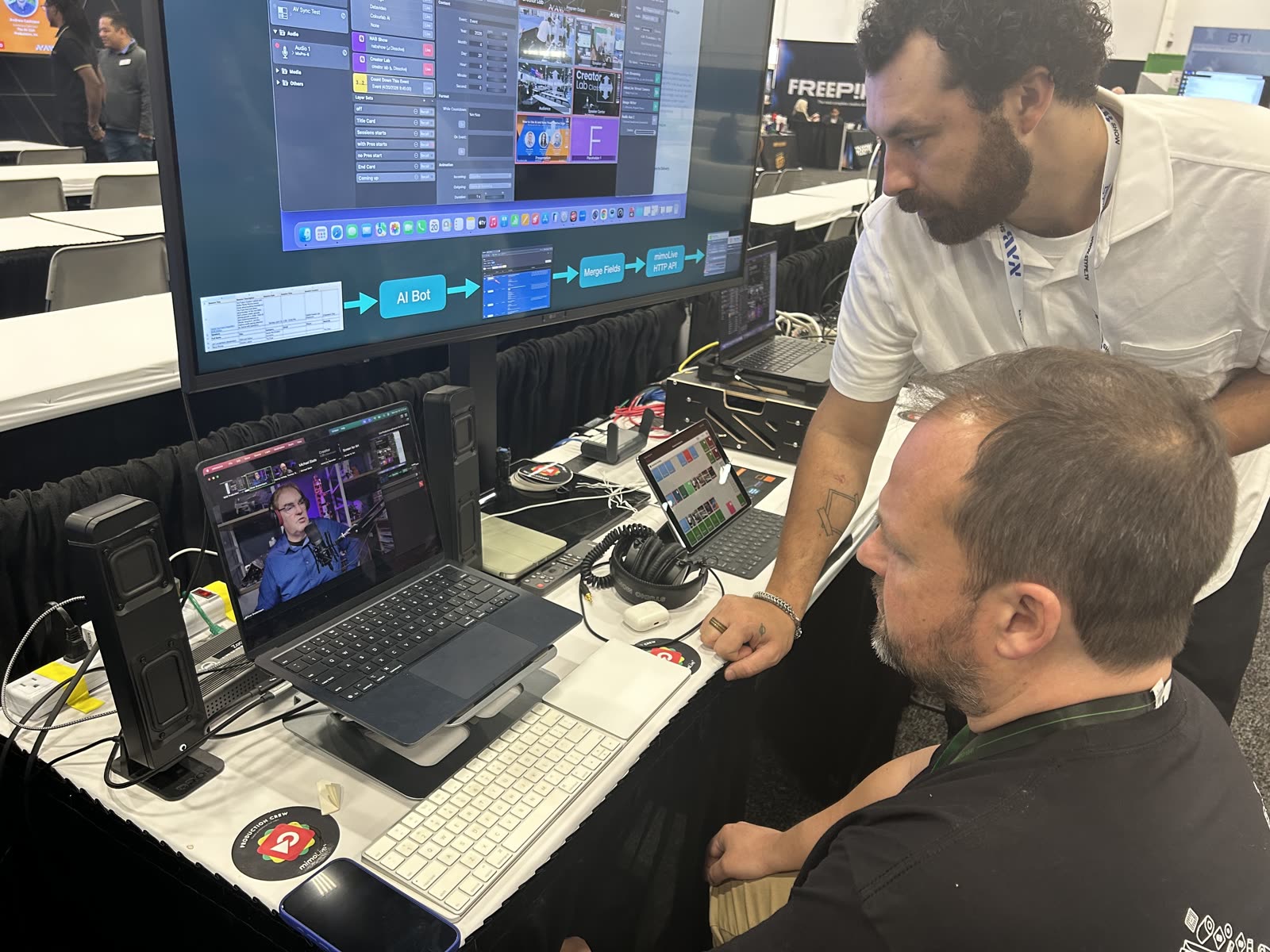
The production tool that ran the show didn’t exist a week before NAB. Claude Code wrote it over the weekend before the show: a Google Sheet of session schedules and speaker info, scanned every ten minutes, turned into a JSON database, fed into a custom web app that ran in a browser tab next to mimoLive. Each session in the rundown had a "Send to mimoLive" button. One click before each session populated the title card, lower thirds, and the rest of the speaker graphics in the mimoLive document, ready to go on air.

A weekend, from idea to working tool. No engineering project, no specification document, no sprint planning. Just a problem worth solving and an AI that could write the code.

Updating Tools During The Show

The tools didn’t stop changing once the show started.

Halfway through NAB, the operator’s view of the rundown got cluttered with sessions that had already happened. Hiding done events with a checkbox to unhide them when needed took about a minute to add. That kind of fix isn’t a feature request waiting in a backlog. It’s something the operator notices, says out loud, and has working before the next session starts.

The website kept up the same way. The page at mimolive.com/nab went live in under an hour from a standing start. Every night during the show, Claude Code swapped the live embeds for an off-air message with the next session time, so visitors who hit the page outside showtime saw the right thing. After the last session, one more swap: the embeds turned into a thank-you message, and the schedule turned into an archive linking out to YouTube.

A small team can now build, iterate, and maintain its own production tooling, in real time, without learning a programming language. That changes what a small team can do. mimoLive now ships with an MCP server built in, which means an AI agent can drive mimoLive directly. The next show like this one starts with the tooling already plugged in.

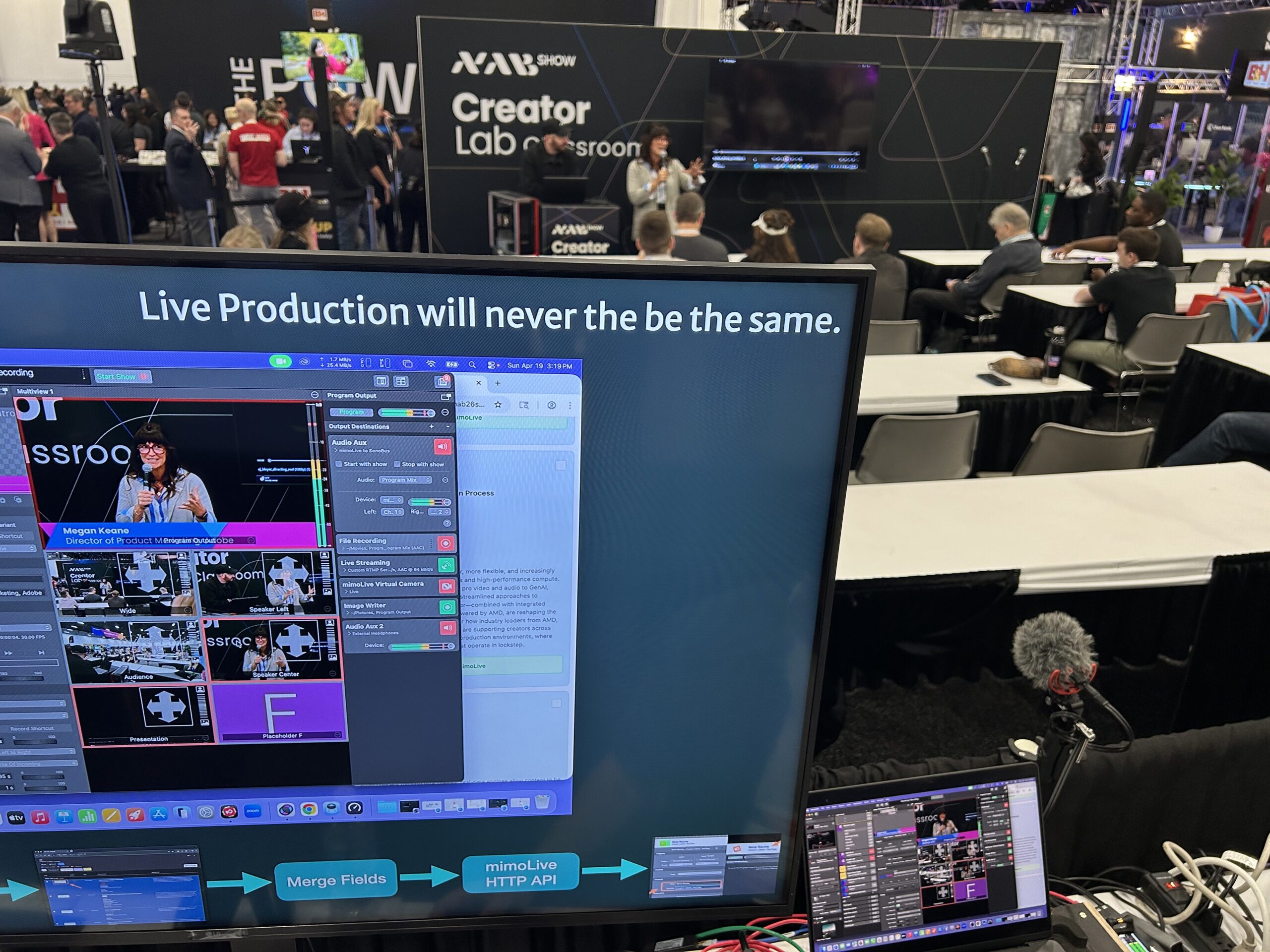
Operator monitor showing the mimoLive multiview during a live workshop session

From Booth To World.Through Zoom.

One stream out of Las Vegas, distributed to the world from Seattle and Salzburg.

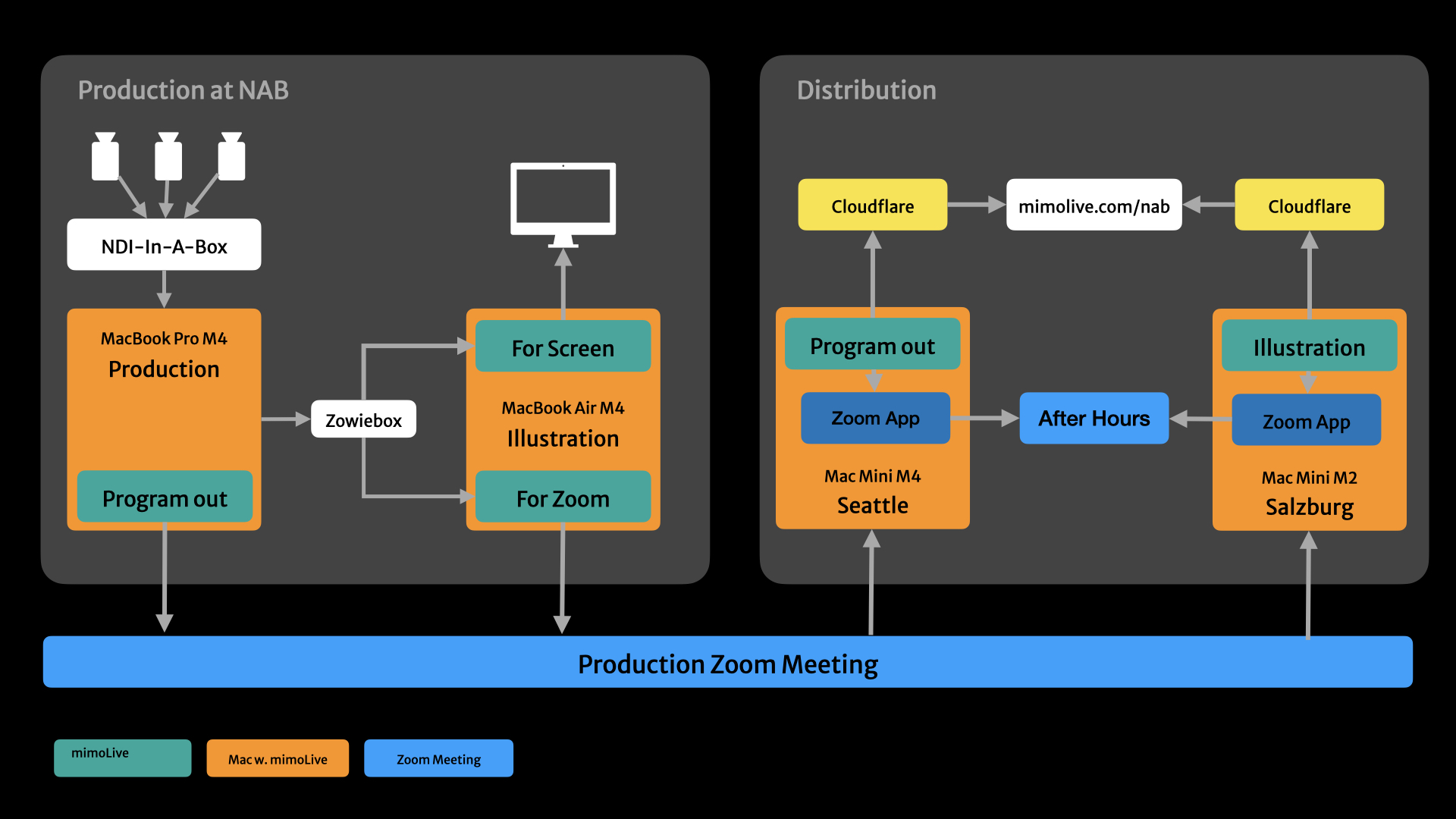
Diagram of the NAB production and distribution architecture
A single Zoom meeting acted as the production backbone for the whole show. The two Macs at the booth sent their feeds into it. Two relay Macs on two other continents pulled the same feeds out of it. From there, the show went to its destinations. The whole architecture is in the diagram above.

Out Of The Booth

The production Mac in mimoLive sent the program feed. The illustration Mac sent the screen capture of the production Mac. Both joined the same Zoom meeting and both pushed their feeds into it. One Zoom meeting carrying two video sources out of the venue, in place of two separate live streams the booth’s connection couldn’t have supported anyway.

Pulled In By Two Macs On Two Continents

A Mac mini M4 in Seattle and a Mac mini M2 in Salzburg joined the same Zoom meeting. Both ran mimoLive. The mimoLive Zoom SDK integration gave each of them clean ISO feeds of the meeting’s video sources — not screen captures of a Zoom window, the actual underlying streams. Seattle pulled the program feed. Salzburg pulled the production UI.

Sent To After Hours

Both relays joined the officehours.global After Hours Zoom at the same time, carrying the program feed and the production UI into that community while the show was live. Same backbone, different destination.

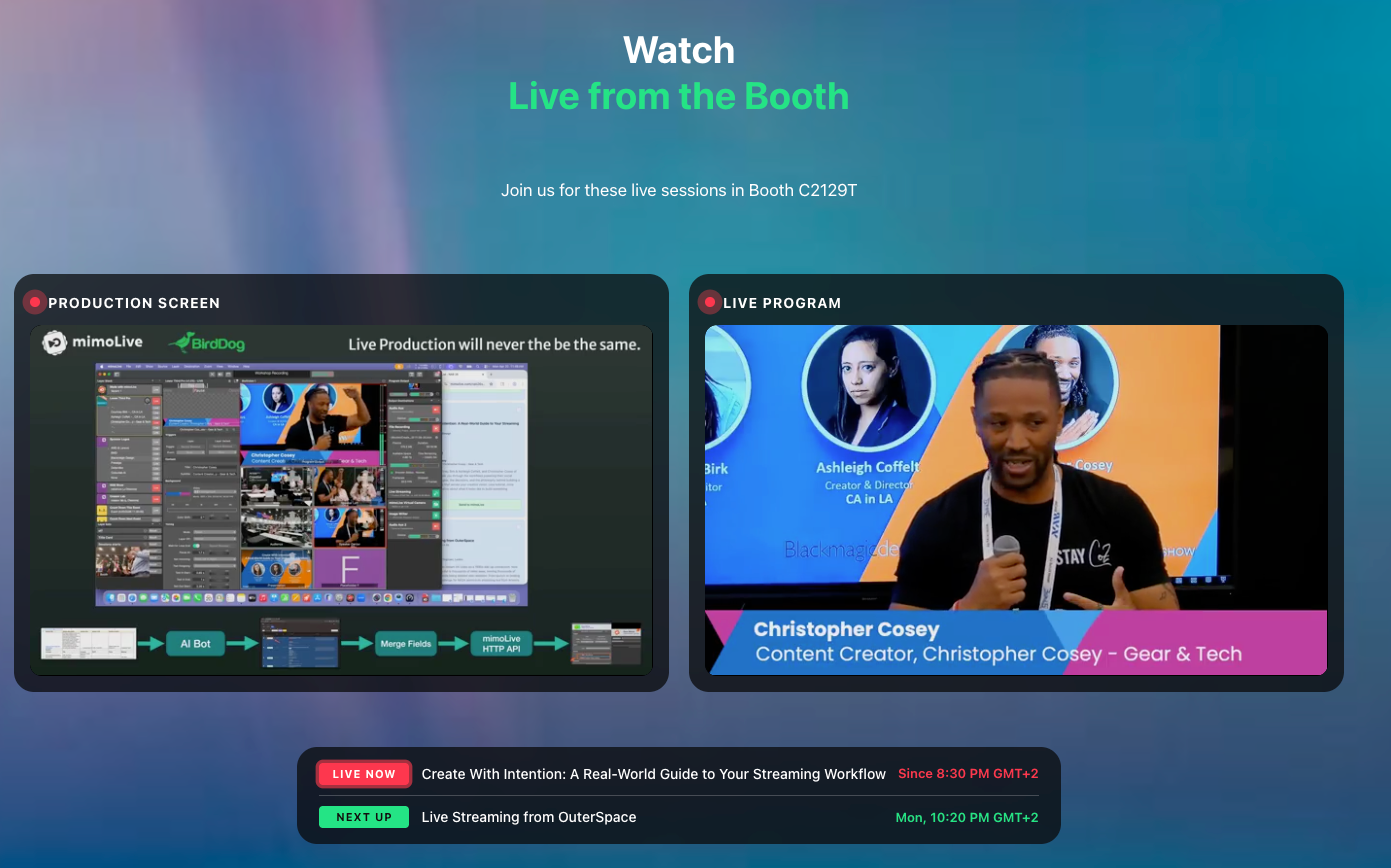
Side-by-side embed of production screen and live program on mimolive.com/nab

Also Side By Side On The Website

Seattle sent the program feed to Cloudflare Live. Salzburg sent the production UI. On mimolive.com/nab, both arrived side by side: the show on one half of the player, the production happening behind it on the other. One view from two continents, composed in the browser.

All The Sessions On YouTube.On The Same Day.

Uploading the workshop videos two weeks later — as the conventional production team working on the main stage promised — would have been too late. By then the show is over and the audience has moved on. Same-day uploads to the officehours.global YouTube channel kept the content relevant to creators.
Loading sessions…

Ready to get started?

Download. Get License. Learn. Connect. You’re just four steps away from creating your best show ever.

mimoLive
Download
Grab the latest version for MacOS and dive right in.
Enter License Icon
Get a Free License
Request your Evaluation Edition license and unlock all features
Watch tutorial
Watch the Getting Started Tutorial
Follow our quickstart video to launch your first production.
Join mimoLive Experts on Discord
Join the mimoLive Experts Community
Connect with peers, ask questions, and improve your workflow on Discord.