NDI Logo Master Light

Delivers videoover IP.

NDI® is the only video-over-IP transport and codec you need to run your remote, cloud or hybrid production — and mimoLive speaks it fluently.

Why NDI®.

Connectivity, creativity and control of your video are easier than ever when you use the network infrastructure you already have. Software, computers and networks have changed the way video is produced — and today you can engage in visual storytelling in practically any environment.

Your network is the cable
Broadcast-quality video, audio and metadata travel over the ethernet you already have. No SDI runs, no matrix, no re-wiring the room.
Ultra-low latency
NDI® is a high-performance standard for real-time, ultra-low-latency video on existing IP networks — talent, tally and return feeds stay in sync.
True plug’n’play
Sources announce themselves and appear in mimoLive on their own. There is nothing to configure and no addresses to type.
The standard everyone speaks
The most widely adopted IP video standard in the world, supported across cameras, switchers, encoders and software.

mimoLive speaks NDI®.

mimoLive is a professional live production studio for Mac, built for live music, conferences and every other demanding broadcast environment. NDI® runs through all of it — in, through and out.

NDI ISO Feeds
Stream individual video and audio feeds out of Zoom meetings and webinars as separate, clean NDI® sources.
Zoom Integration
Clean video and audio per meeting participant, straight through the Zoom Meeting SDK integration.
Source Conversion
Convert any video source into NDI® — including SDI key/fill signals with an alpha channel, via a Blackmagic SDI card.
Every Input You Own
USB webcams, SDI, HDMI, MJPEG webcams, screen capture and window capture all become NDI® sources.
ISO Recording
ISO record and transcode NDI® sources in real time to H.264 or ProRes, then upload automatically to your content management system.
Playout Anywhere
Send NDI® sources out over HDMI, SDI, RTMP(S), or as a virtual camera into Zoom, Webex and Teams.
AI Background Removal
Drop the background out of any source without a green screen anywhere in the room.
Artistic Effects
Apply false colour, blur, pixelate, comic and more to NDI® sources, live.
Transform & Sync
Scale, crop, rotate, mask and transform NDI® sources — and fix drift with the built-in audio/video sync tools.
NDI PTZ Control
Monitor and drive your PTZ cameras from mimoLive’s built-in Multiview.
Unlimited Composition
Mix an unlimited number of NDI® sources, and play out video, audio and stills with transparency — weather, sports, charts and graphs included.
Automation
Fully automate complex live productions, on hardware as modest as an entry-level Mac mini.

Turn any camera into an NDI® camera.

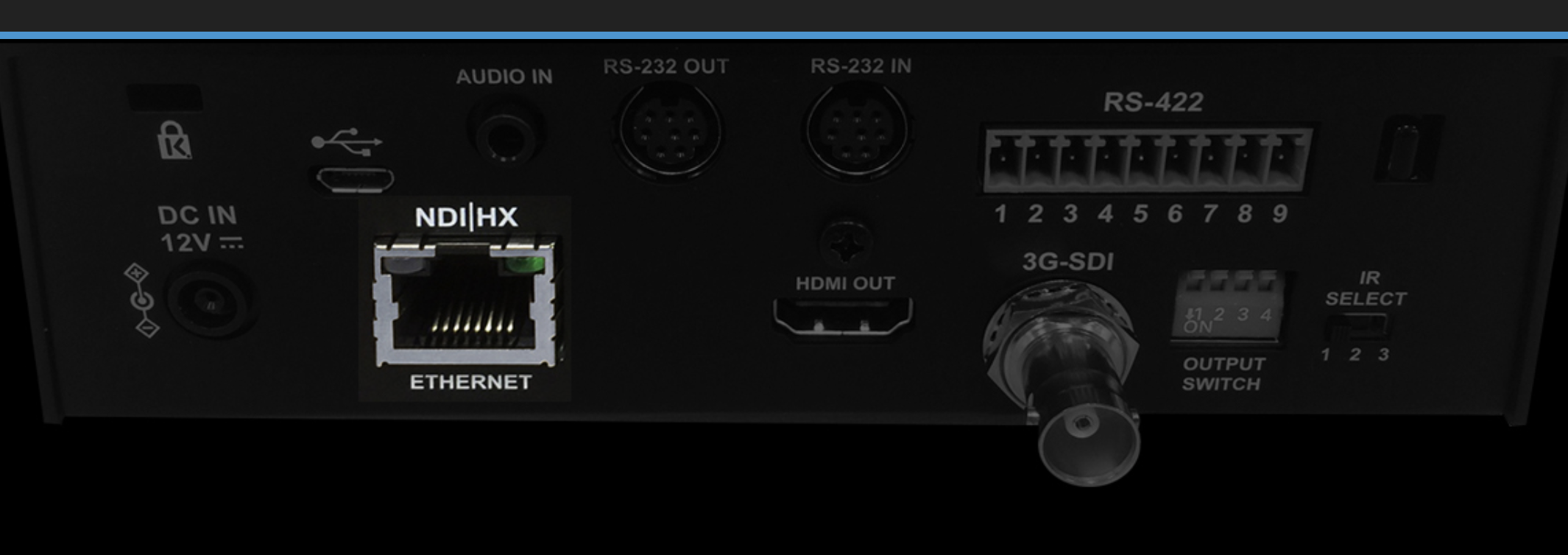
One ethernet port is all it takes. Whatever is already in your kit bag can join the same NDI® network as everything else — and anything mimoLive can see, mimoLive can publish as NDI®.

Screenshot 2020 07 28 at 10.07.32
Cameras You Already Own
mimoLive turns your webcam, SDI camera, DSLR, HDMI camera and more into an NDI® camera. Add face tracking, colour correction or the chroma keyer on the way through — or don’t, and simply gain another angle.
Your Phone, Wireless
The official NDI® HX Camera app turns any phone or tablet into a live production camera on the same network. Available for iOS and Android.
Native NDI & PTZ
A wide range of cameras now ship with native NDI® support. mimoLive discovers them automatically and drives pan, tilt and zoom straight from the Multiview.
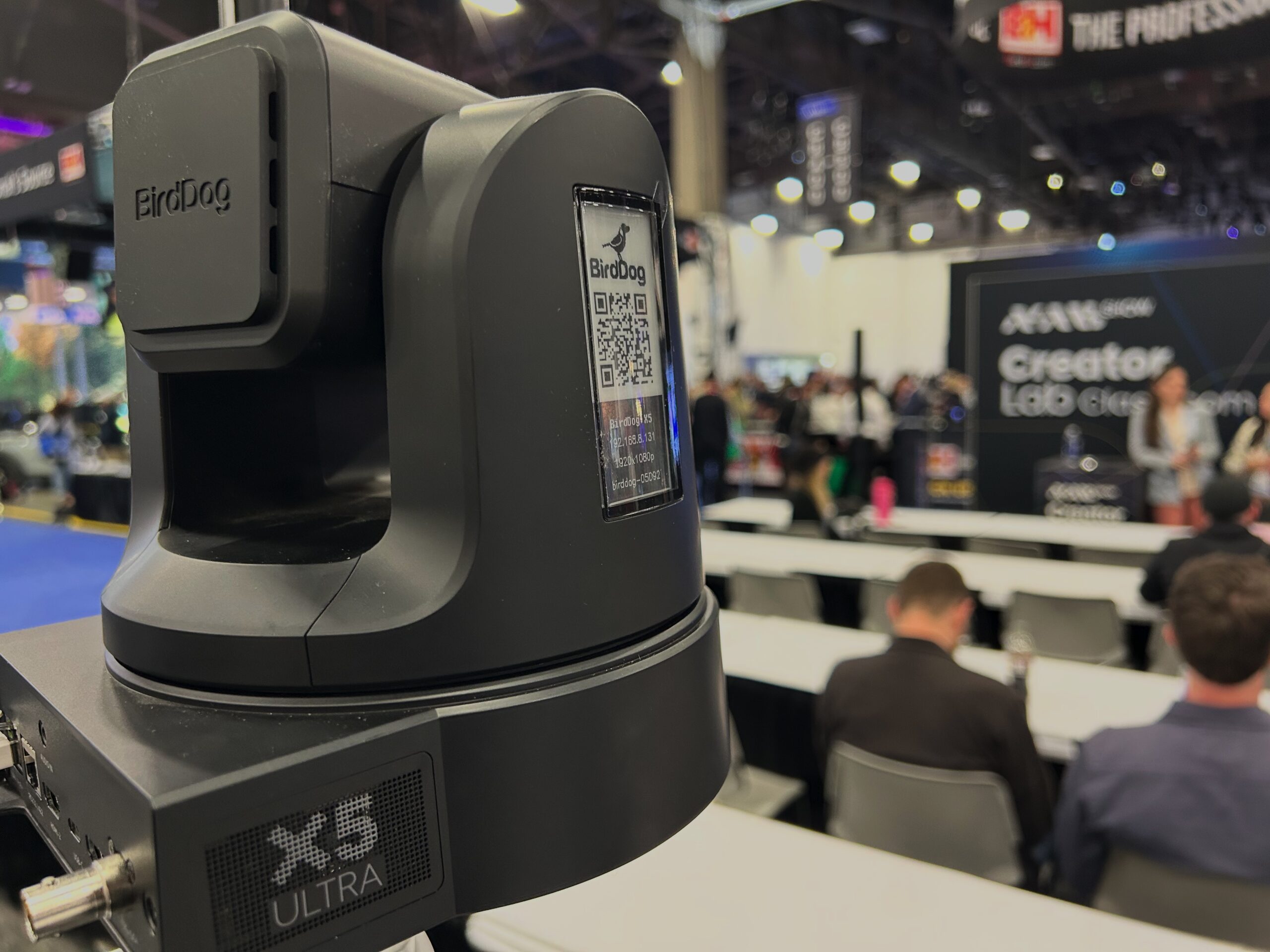
BirdDog X5 Ultra camera positioned at the NAB Creator Lab Workshop space
BirdDog bundles, with mimoLive included
Buy a qualifying BirdDog bundle and you get six months of mimoLive Studio for your Mac free. Thanks to deep NDI® integration the camera feed comes straight into mimoLive with no capture hardware in between, and you drive the camera’s PTZ from inside the app. From there you can lift the background out of a shot without a green screen, apply LUTs and effects, reframe for vertical video, or crop and deskew to grab just the scoreboard or whiteboard.

NDI® in practice.

App to App, Same Mac
NDI® works between applications on one computer just as well as it does across the network. If both apps speak NDI®, sharing video is genuinely plug’n’play — there is nothing to set up.
Record Calls and Meetings
Video-calling apps that publish an NDI® output appear as sources in mimoLive automatically. Drop one on the layer stack, add a File Recording output destination and press record. Note that anyone with access to the network can receive that stream too.
Adobe Premiere® & After Effects®
Install the NDI® plugin for Adobe Creative Cloud and Premiere Pro and After Effects play out over NDI® — real-time, renderless review and approval straight into your live production, from any workstation on the network.

From the blog.

Ready to go A/V over IP?

Download. Get a licence. Build it. Connect. You’re four steps away from your first production over the network.

mimoLive
Download
Grab the latest version for macOS and dive right in.
Enter License Icon
Get a Free License
Request your Evaluation Edition license and unlock all features.
Build an NDI-in-a-Box
A complete, self-contained NDI® production system that fits in a single case.
Join mimoLive Experts on Discord
Join the mimoLive Experts Community
Connect with peers, ask questions, and improve your workflow on Discord.