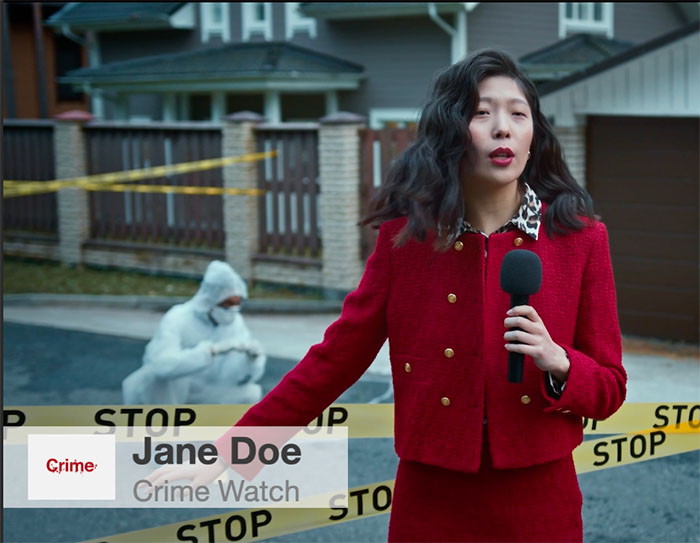
What are lower thirds?
Lower thirds is a term from the TV broadcast industry and describes graphical overlays that are typically displayed on the lower third portion of the


Lower thirds is a term from the TV broadcast industry and describes graphical overlays that are typically displayed on the lower third portion of the
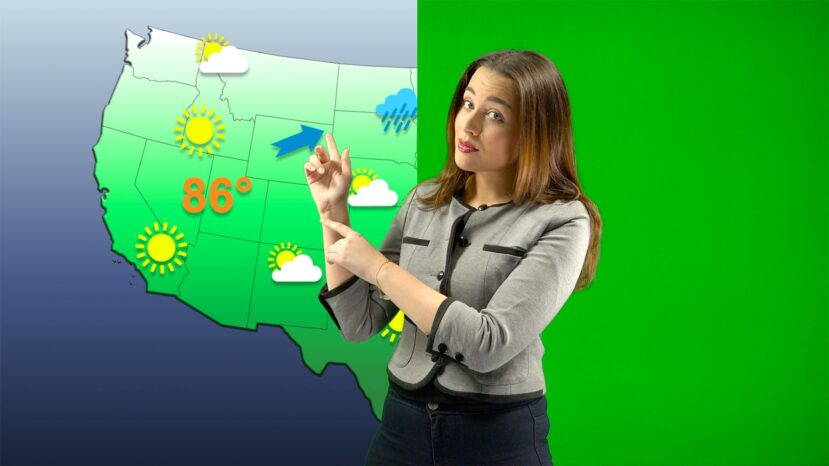
The chroma key feature will allow telling the weather forecast visually attractive to the audience. Whatever the weather is, there is always a story to tell to your audience.

In mimoLive 6 you will find a set of pre-designed stingers and outros which are free to use. We have designed a set of animations

The Lower Third layer is a graphic overlay. It works for your live stream in several ways. A Lower Third is used to display the name of the person speaking, location or any context based information.
Visual elements in your lower thirds make your streams look more polished and professional – giving you a better chance of impressing your audience.
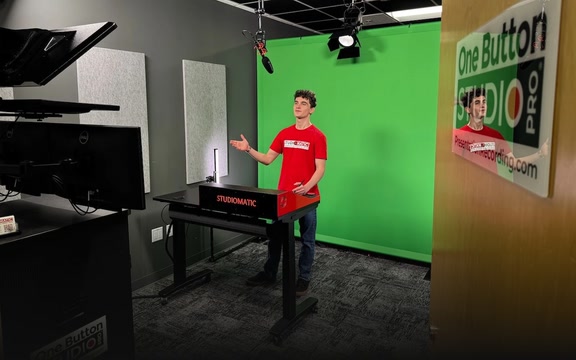
A green screen lets you drop in whatever background images behind the subject when the desired background isn’t available—like a fictional, alien, historic, futuristic, or even just hard-to-access location. The green screen singles out the selected color (usually green) and digitally removes it by rendering it transparent. This lets the other image show through.
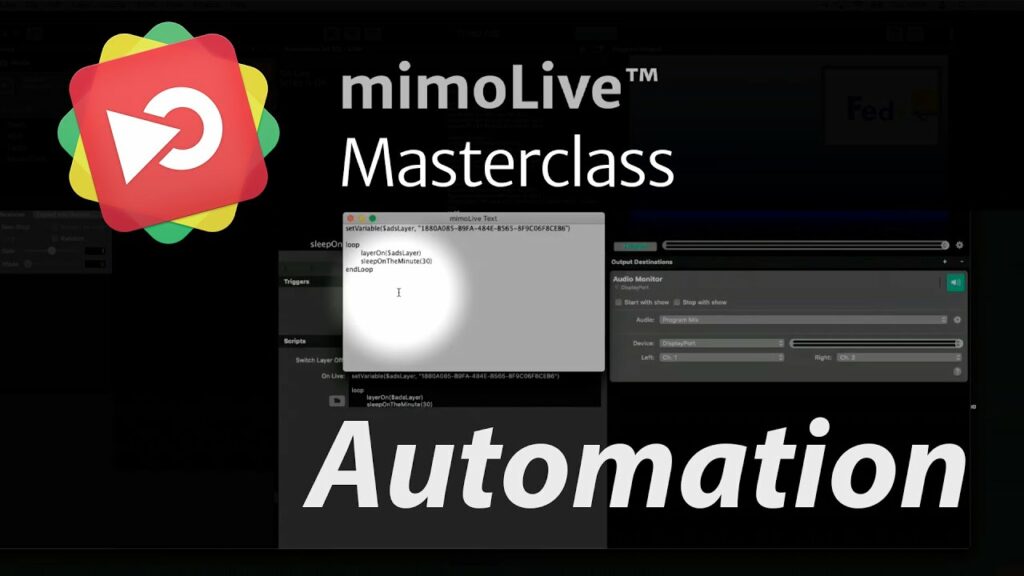
In this masterclass, Achim, the CTO of Boinx Software guides you through the steps for automation in mimoLive for creating advanced professional live streams. This masterclass




You are currently viewing a placeholder content from Vimeo. To access the actual content, click the button below. Please note that doing so will share data with third-party providers.
More InformationYou are currently viewing a placeholder content from YouTube. To access the actual content, click the button below. Please note that doing so will share data with third-party providers.
More InformationYou need to load content from reCAPTCHA to submit the form. Please note that doing so will share data with third-party providers.
More InformationYou are currently viewing a placeholder content from Facebook. To access the actual content, click the button below. Please note that doing so will share data with third-party providers.
More InformationYou are currently viewing a placeholder content from Google Maps. To access the actual content, click the button below. Please note that doing so will share data with third-party providers.
More InformationYou are currently viewing a placeholder content from Vimeo. To access the actual content, click the button below. Please note that doing so will share data with third-party providers.
More InformationYou are currently viewing a placeholder content from YouTube. To access the actual content, click the button below. Please note that doing so will share data with third-party providers.
More InformationYou are currently viewing a placeholder content from Instagram. To access the actual content, click the button below. Please note that doing so will share data with third-party providers.
More InformationYou are currently viewing a placeholder content from reCAPTCHA. To access the actual content, click the button below. Please note that doing so will share data with third-party providers.
More Information